Website Search
Stories of Lexington's history told through the Kentucky Room archives.
Stories of Lexington's history told through the Kentucky Room archives.
Join us for updates on library happenings, book recommendations, interviews, and more!
A local history exhibit commemorating 250Lex from March 21 to July 13 at the Central Library Gallery, 140 East Main Street. The exhibit includes items from the library’s own Kentucky Room collection as well as loans from the Lexington History Museum, Keeneland, the University of Kentucky, and local residents.
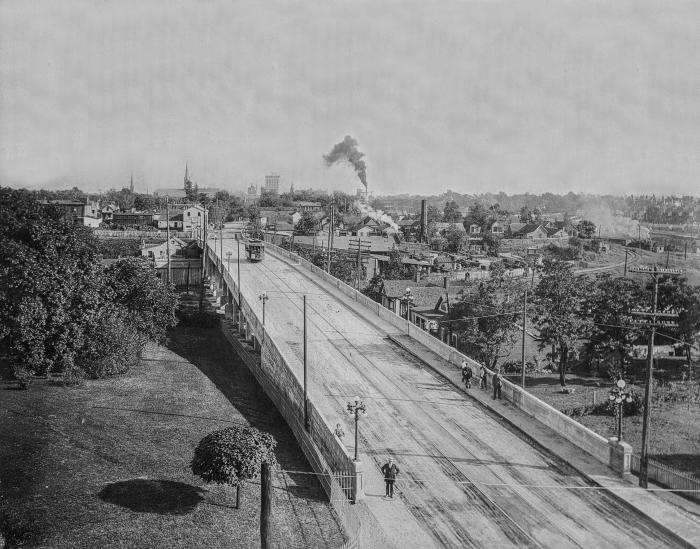
All databases are available from this page.
Help us make digital archives searchable, from anywhere.
Lexington, Kentucky (March 9, 2022) – Lexington Public Library and Lexington Public Library Foundation are honored to announce that the Marksbury Family Foundation has committed the lead gift for the capital campaign to rebuild the library branch at the corner of Versailles Road and Village Drive. In recognition of their generosity, the new facility will be named the Marksbury Family Branch when it opens in 2024.

Read books and listen to audiobooks on your computer or mobile device.
Download eBooks, audiobooks, magazines, and more – free with your library card.