Website Search
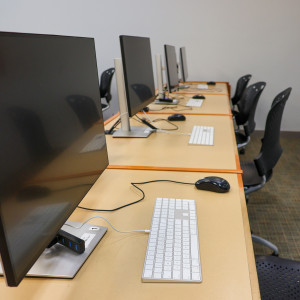
Use Adobe Creative Cloud, Microsoft Office Suite, Apple apps, and other photo, audio, and video editing software to create, edit, and design a variety of projects. 32 GB flash drives are available for purchase, but you may need to bring additional storage depending on the size of the project.
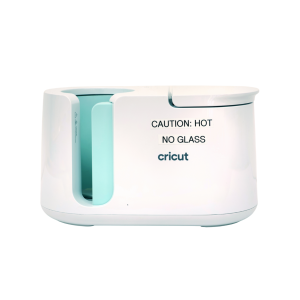
Transfer sublimation paper designs on mugs and tumblers. Please supply your own items to transfer on to. Sublimation paper is available to purchase, or you can use your own free of charge. Speak with a staff member before bringing or using your own materials.
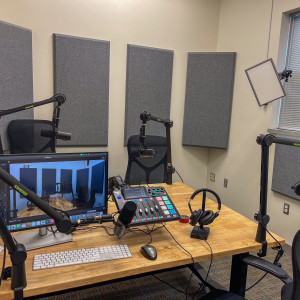
This space is equipped with professional microphones, video equipment, and lighting to record and video for your podcast. 32 GB flash drives are available for purchase, but you may need to bring additional storage depending on the size of the project.
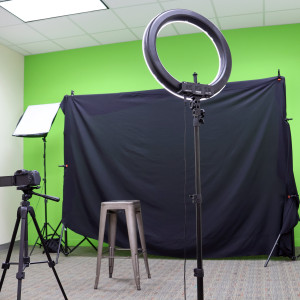
This studio is outfitted with a green screen, lighting, computer, and camera for professional photography and videography. 32 GB flash drives are available for purchase, but you may need to bring additional storage depending on the size of the project.
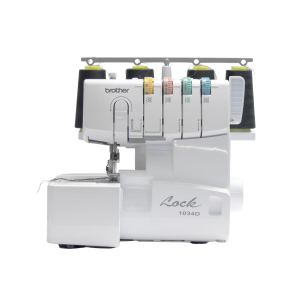
This item is available for use in advanced sewing projects. Needles, notions, and thread are provided in the Eastside Makerspace. Please bring your own material, as well as thread if you require something specific.
The Lexington Public Library receives most of its operating funds from an Ad Valorem property tax. By State law, the Library receives five cents for every $100 of assessed property value in Lexington and Fayette County.
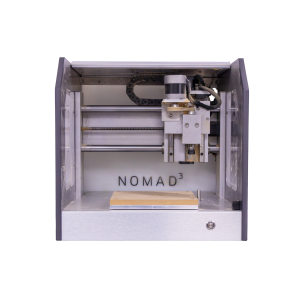
Use this router for small scale wood milling. Available by appointment only. Please supply your own personal items for milling.
The machine can hold items with a maximum size of 8 x 8 x 3 inches. Speak with an Eastside Makerspace staff member to schedule an appointment to use the CNC router.
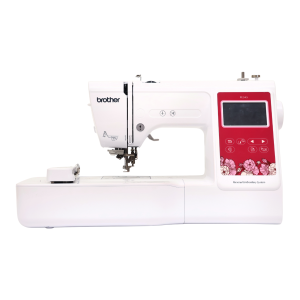
Use this machine to personalize your fabric items. Please supply your own personal items for embroidery. Thread is available free of charge, but please supply your own if you need a specific thread for your project.
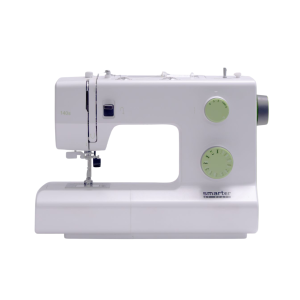
Sewing machines are available to use for basic sewing projects. Needles, notions, and threads are provided in the Makerspace. Please bring your own material, as well as thread if you require something specific.
Sewing machine brand varies by location.
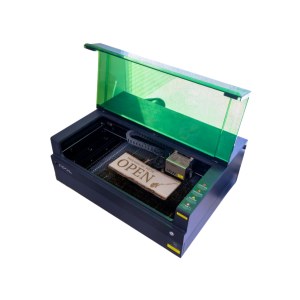
Engraver size varies by location. Cut wood or engrave on wood, metal, stone, leather, glass and more.
The Eastside Makerspace machine can hold items up to 19.6 x 12.5 x 5 inches. The Marksbury Family Branch Makerspace machine can hold smaller items like coasters and keychains up to 4.53 x 4.53 inches. Some items are available to purchase in the space, including keychains, business cards, coasters, and bookmarks.

Get live expert help with homework and skill building, study tips and tools, and collaborate with friends on your computer or mobile device. Live Homework Help is available daily for K-12 grades with professional tutors. You must create an account on the Brainfuse site before you can log into the mobile app.
Mobile Options (Create Your Account Here First)

|

|
Brainfuse HelpNow Demo
Brainfuse HelpNow Demo (Español)
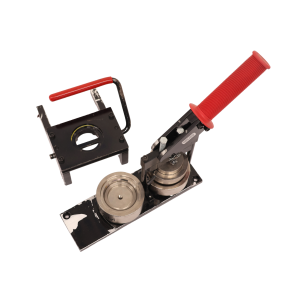
Make buttons and magnets using equipment and supplies available in the Makerspace.
The Eastside Makerspace offers 1.25” and 2.25” button makers for buttons and magnets. The Marksbury Family Branch Makerspace offers 2.25” button makers for buttons and magnets and 1” button makers for keychains, earrings, and paperclip bookmarks. Button, magnet keychain, earring, and bookmark materials are available to purchase.
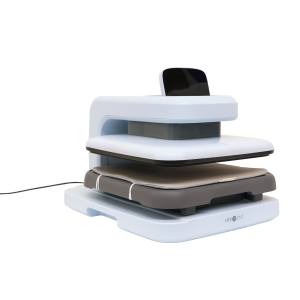
Use a variety of heat presses to transfer your original designs on to personal items.
The Marksbury Family Branch Makerspace has an automated heat press, large and small handheld presses, sublimation printer, and Cricut machines. The Eastside Makerspace has a small handheld press, automated heat press, and Cricut machines. Please supply your own personal items to transfer on to. Sublimation paper and heat transfer vinyl are available for purchase, or you can use your own free of charge. Speak with a staff member before bringing or using your own materials.
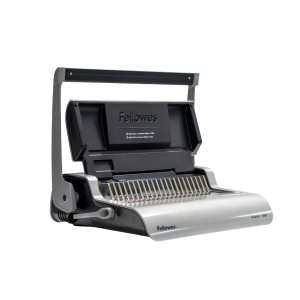
Use this machine to bind paper booklets in a variety of sizes. Binding combs are available for purchase, or you can use your own free of charge. Speak with a staff member before use if you are using your own combs.

Jason Hall is the Executive Director of the Catholic Conference of Kentucky, the public policy voice of Kentucky’s four Catholic bishops. Prior to his time with the Conference, Jason served as Deputy General Counsel to the Kentucky State Senate Majority Leadership.
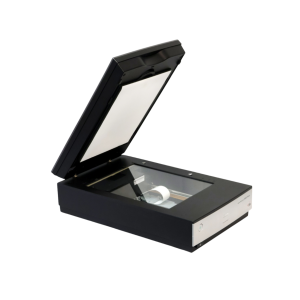
Use these to scan and digitize documents, family photographs, and other print items.
The Northside Digital Studio has 32 GB flash drives that are available for purchase, but you may need to bring additional storage depending on the size of the project.
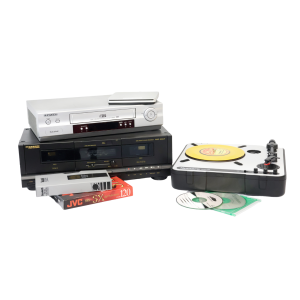
Digitize cassettes, Blu-rays, DVDs, CDs, records, VHS, slides, and negatives. 32 GB flash drives are available for purchase, but you may need to bring additional storage depending on the size of the project.
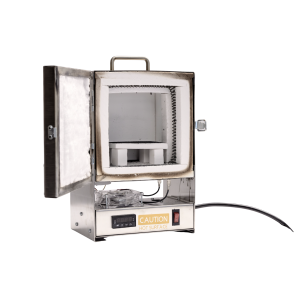
Fire small pieces made of precious metal clay. Available by appointment only. Please supply your own personal materials for firing.
The machine can hold items with a maximum size of 2.5 x 1.5 inches. Speak with an Eastside Makerspace staff member to schedule an appointment to use the tabletop kiln.
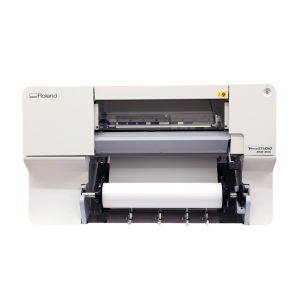
Print your large-format designs on paper and vinyl. Printer size varies by location.
The Eastside Makerspace’s 24” printer is compatible with paper, photo paper, and banner vinyl. The Marksbury Family Branch Makerspace’s 20” printer is compatible with photo paper, sticker paper, banner vinyl, and heat transfer vinyl. Paper and vinyl are available for purchase and are priced per linear foot.
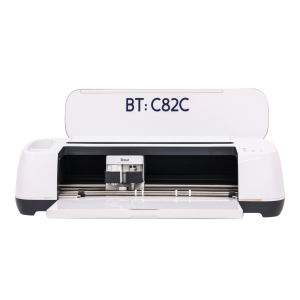
Cricut machines can cut 12 x 24-inch vinyl, fabric, and paper products. 12 x 12-inch transfer tape, permanent vinyl, and heat transfer vinyl are available for purchase, or you can use your own materials free of charge. Speak with a staff member before use if you are bringing your own materials.