









Website Search
Displaying results 226 - 250 of 452
Mariam and Erin discuss and play clips of a few of their favorite moments from Tales from the Kentucky Room. This episode was recorded online from their homes.
Mariam and Wayne discuss the rich history of baseball in Kentucky.
Read the latest news from Lexington Public Library.
Learn how to access LPL on your mobile device - no app required! Manage your account, search our catalog, place holds, etc. Add an icon to your home screen.
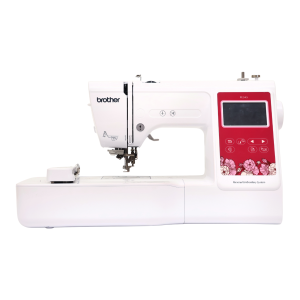
Use this machine to personalize your fabric items. Please supply your own personal items for embroidery. Thread is available free of charge, but please supply your own if you need a specific thread for your project.
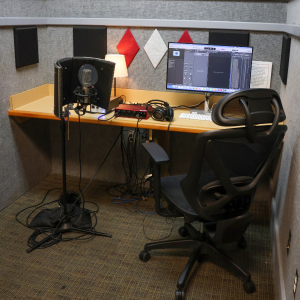
Audio booths are outfitted with a microphone, computer, headphones, and other recording equipment and software.
Musical instruments are available at the Northside Digital Studio audio booth. 32 GB flash drives are available for purchase at the Digital Studio, but you may need to bring additional storage depending on the size of the project.
Gallery
Eastside Branch Gallery
Exhibit Dates
-
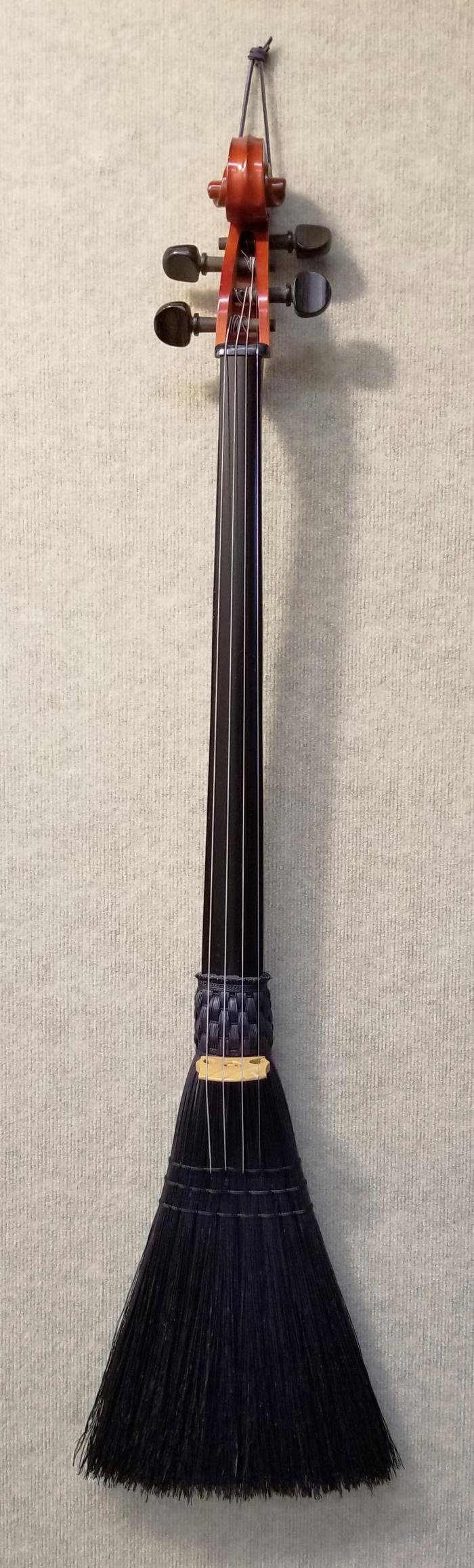
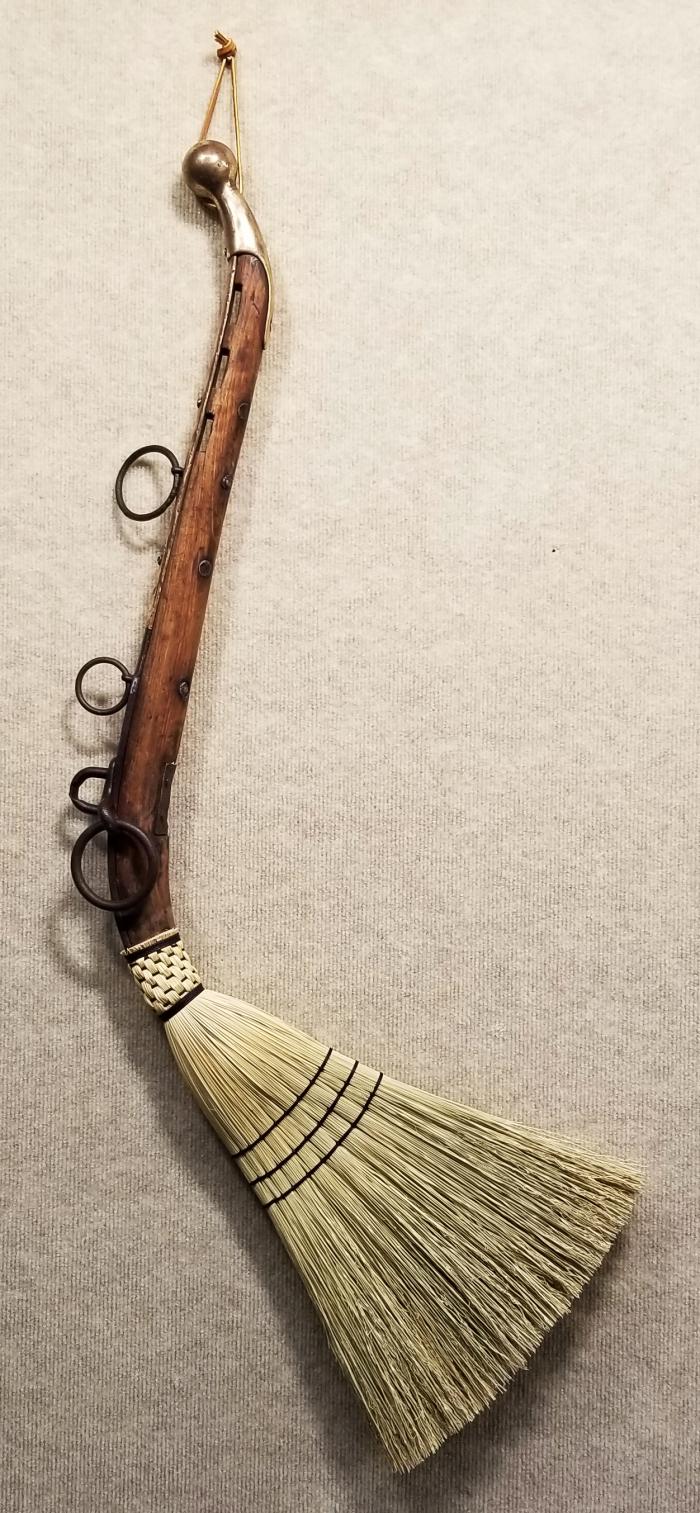
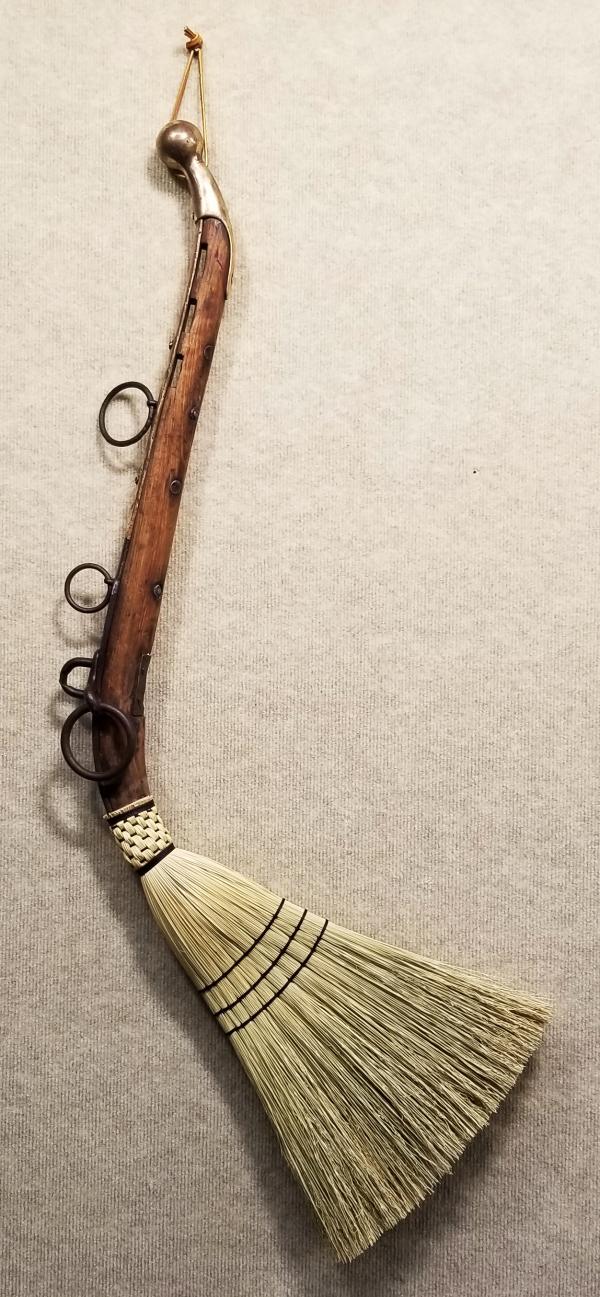
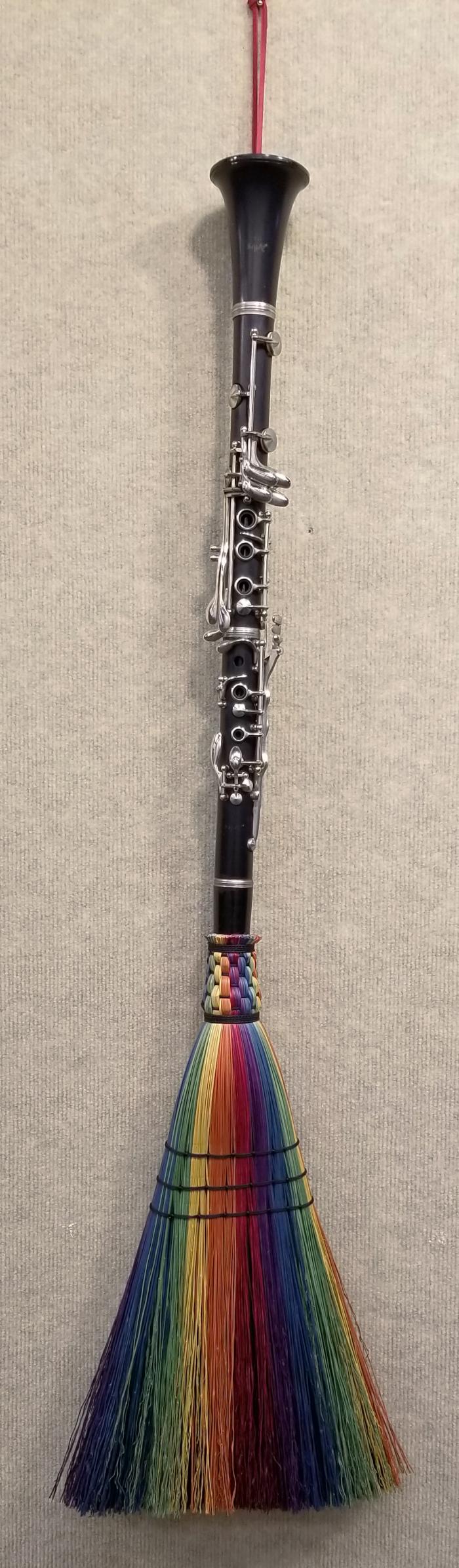
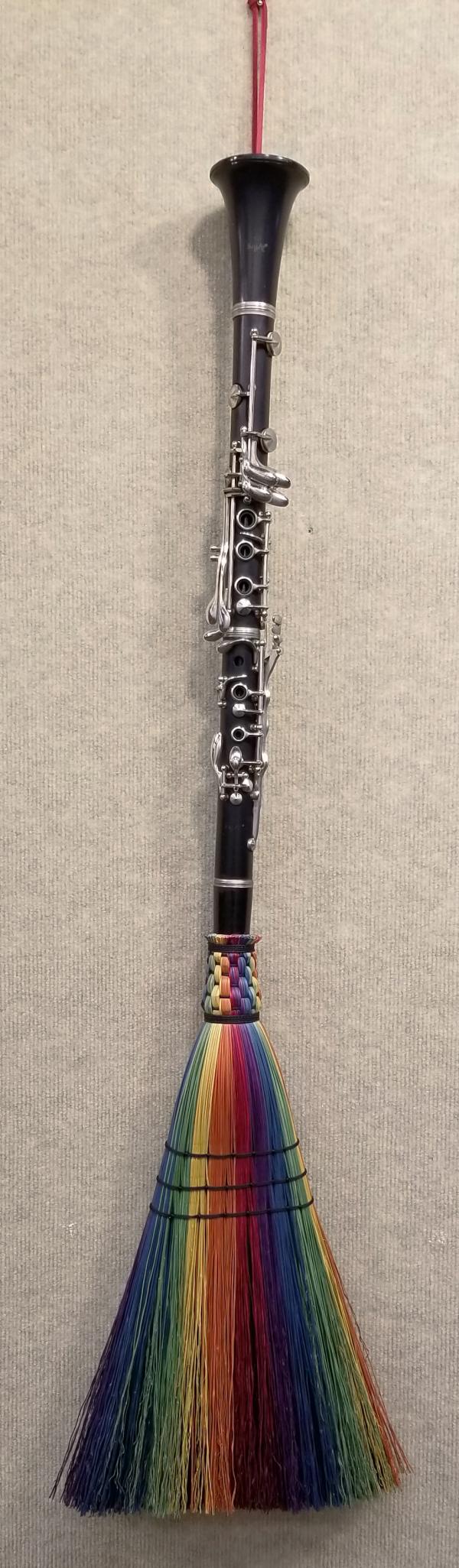
For more information about Shannon Lewis you can visit the artist website at https://www.bluegrassbrooms.com/.
Webform
Submit an application to participate as a vendor at the 2026 Kentucky History and Genealogy Conference.
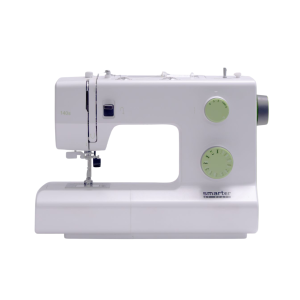
Sewing machines are available to use for basic sewing projects. Needles, notions, and threads are provided in the Makerspace. Please bring your own material, as well as thread if you require something specific.
Sewing machine brand varies by location.
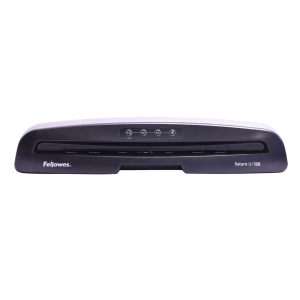
Laminate printed materials. Lamination is priced per page or linear foot, depending on the machine you use.
The Eastside Makerspace offers a large-format laminator that can laminate items up to 24 inches wide. Both Makerspaces and the Northside Digital Studio offer a pouch laminator that can laminate 8.5 x 11-inch or 11 x 17-inch items.
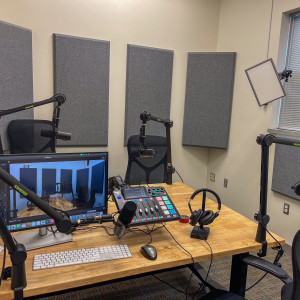
This space is equipped with professional microphones, video equipment, and lighting to record and video for your podcast. 32 GB flash drives are available for purchase, but you may need to bring additional storage depending on the size of the project.
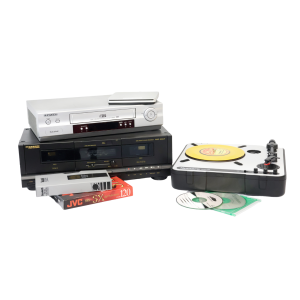
Digitize cassettes, Blu-rays, DVDs, CDs, records, VHS, slides, and negatives. 32 GB flash drives are available for purchase, but you may need to bring additional storage depending on the size of the project.
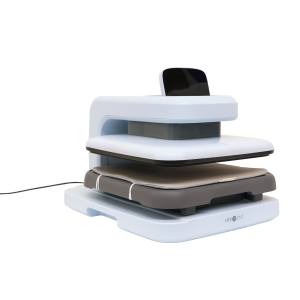
Use a variety of heat presses to transfer your original designs on to personal items.
The Marksbury Family Branch Makerspace has an automated heat press, large and small handheld presses, sublimation printer, and Cricut machines. The Eastside Makerspace has a small handheld press, automated heat press, and Cricut machines. Please supply your own personal items to transfer on to. Sublimation paper and heat transfer vinyl are available for purchase, or you can use your own free of charge. Speak with a staff member before bringing or using your own materials.
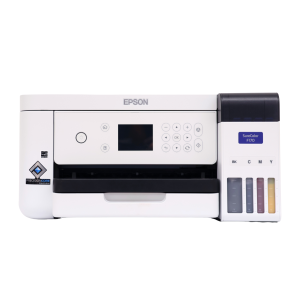
Print designs for t-shirts, mugs, and more. Please supply your own personal items on which you'll be adding or transferring your design. Sublimation paper (3.5 x 9, 8.5 x 11, and 8.5 x 14 inches) and butcher paper (4 x 9 and 12 x 12 inches) are available for purchase.
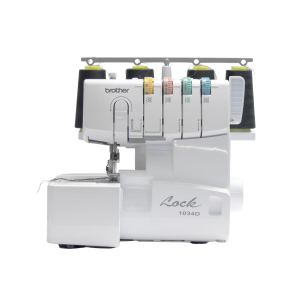
This item is available for use in advanced sewing projects. Needles, notions, and thread are provided in the Eastside Makerspace. Please bring your own material, as well as thread if you require something specific.
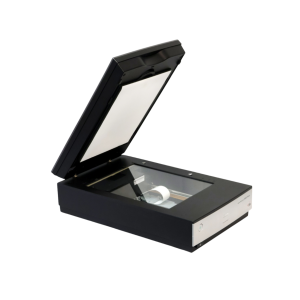
Use these to scan and digitize documents, family photographs, and other print items.
The Northside Digital Studio has 32 GB flash drives that are available for purchase, but you may need to bring additional storage depending on the size of the project.
The Community Collections consist of objects shared from local community residents and organizations. Individuals have lent items of local significance to the library to give the larger community awareness and access.
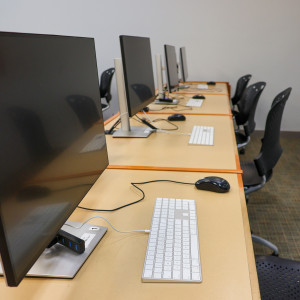
Use Adobe Creative Cloud, Microsoft Office Suite, Apple apps, and other photo, audio, and video editing software to create, edit, and design a variety of projects. 32 GB flash drives are available for purchase, but you may need to bring additional storage depending on the size of the project.
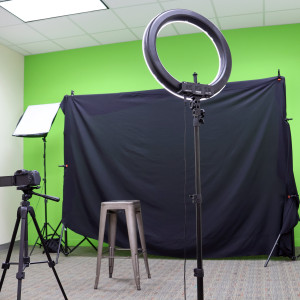
This studio is outfitted with a green screen, lighting, computer, and camera for professional photography and videography. 32 GB flash drives are available for purchase, but you may need to bring additional storage depending on the size of the project.
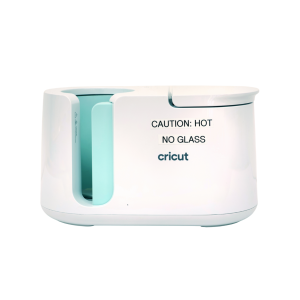
Transfer sublimation paper designs on mugs and tumblers. Please supply your own items to transfer on to. Sublimation paper is available to purchase, or you can use your own free of charge. Speak with a staff member before bringing or using your own materials.
Board of Trustees
Casandra Hockenberry is a Program Manager with The Council of State Governments Center of Innovation, where she works across a broad number of initiatives at the crossroads of data, technology and improved outcomes for citizens. She manages the Apprenticeship Data Alignment and Performance Technical Assistance Center, which is dedicated to assisting states to improve their data collection on apprentices in order to support successful programs throughout the country, the Overseas Voting Initiative, which researches ways to improve the voting process for military and overseas citizens.



