








Learning Spaces
Learn by doing.
Learn by doing.
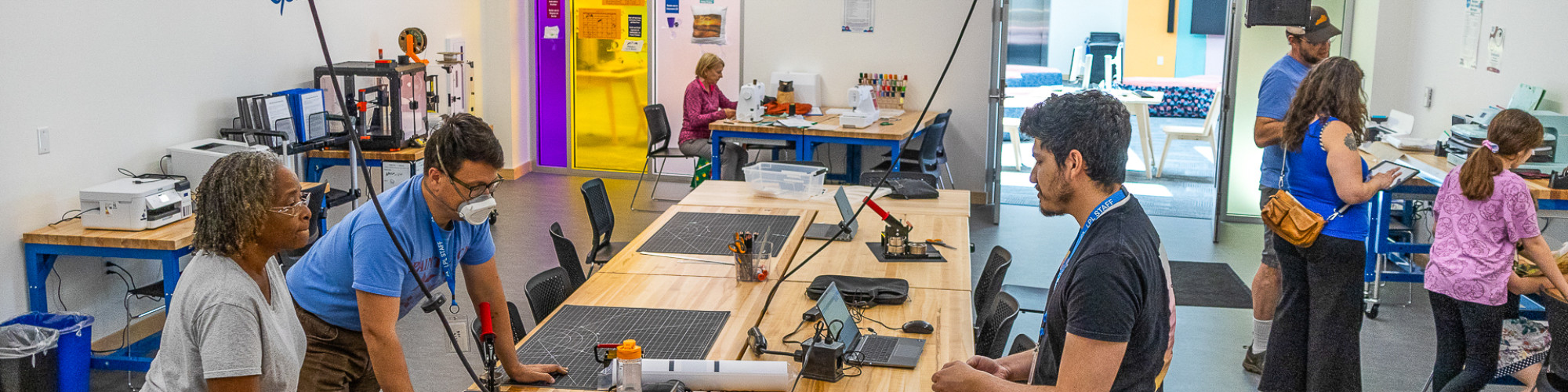
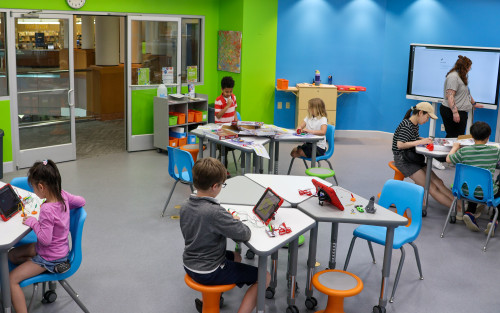
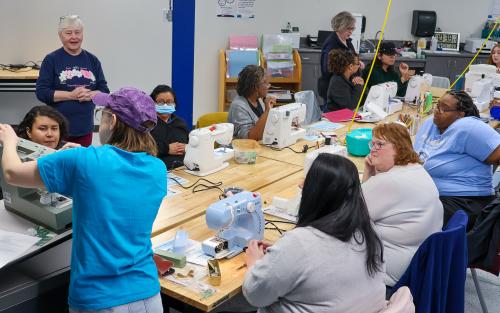
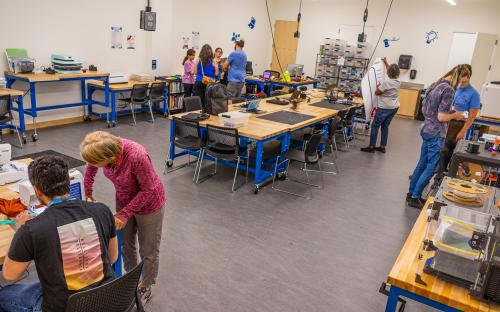
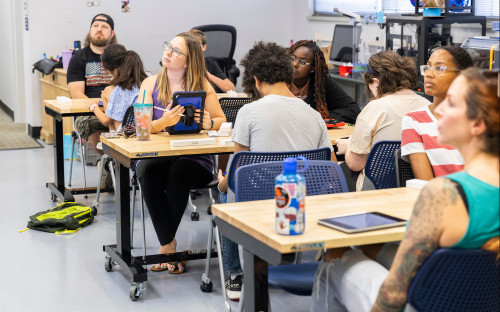
The Lexington Public Library is home to four collaborative creative spaces for making, learning, exploring, and sharing. These spaces offer a variety of events, high-tech and low-tech equipment for patron use, and serve as a space to build community, explore your creativity, and develop personal interests.
Sample projects
Film a music video, 3D print a fidget toy, digitize old family photos, sew a costume or mend your favorite pair of pants, embroider a t-shirt, comb bind a book, start a podcast, record in the audio booth, create content with the green screen, make custom magnets or buttons, engrave a keychain, print a poster, make custom stickers, and more.
How it works
The Central Kloiber Foundation STEAM Lab, Eastside Makerspace, Marksbury Family Branch Makerspace, and Northside Digital Studio are open to the public and free to use.
Experiential Learning Agreement and Equipment Use Policy
Before using equipment, new customers must complete the Experiential Learning Agreement and Equipment Use Policy, which is available to sign in-person in any of the four learning spaces. Customers ages 13-17 are required to complete the Experiential Learning Agreement with their guardian. Children 12 and under may use equipment under supervision of a responsible caregiver who has signed the agreement.
Supplies
Supplies are available at each location and can be purchased from library staff. Customers who have signed the Experiential Learning Agreement and live in Fayette County or a reciprocal county receive an $8 credit each month to use toward purchasing these items. If this credit is exceeded, customers can purchase additional supplies using credit, Mobile App Pay or Mobile Pay, or tapping to pay.
rgb(0,182,237)
rgb(255,255,255)
The Kloiber Foundation STEAM Lab, located in Central Library, Eastside Makerspace, Marksbury Family Branch Makerspace, and Northside Digital Studio, provide a range of high-tech and low-tech equipment for individual use to foster innovation, creativity, and community learning. To learn more about the available equipment, please click on the item below.
Sharpen your skills
Want to brush up on a skill before visiting? Log in to LinkedIn Learning for free with your library card. Your default PIN is the last four digits of the phone number associated with your account.
Want personalized help from a library expert? Book a one-on-one session with a librarian to get started!
rgb(0,182,237)
rgb(255,255,255)



