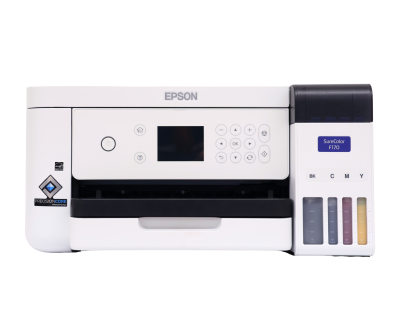







Print designs for t-shirts, mugs, and more. Sublimation paper (3.5x9”, 8.5x11”, and 8.5x14”) and butcher paper (4x9” and 12x12”) are available for purchase.
Instantly borrow eBooks and audiobooks free with your library card — anytime, anywhere. Use the Libby app to create wish lists, get notified of new releases, and send eBooks straight to your tablet or Kindle.
Hit record in the new podcast studio — now open at the Northside Digital Studio! Whether you're just starting or leveling up, the space is ready for your voice.
Everyone deserves a place to discover something new. The Lexington Public Library champions free and open access to information, offering a safe and welcoming space where neighbors can learn, create, and connect. Your support empowers a community engaged in lifelong discovery.
Whether you’re into mysteries, memoirs, cookbooks, classics, or something in between, we’ve got a club for you. Choose from a variety of book clubs for different ages and interests or join us for a readers and writers event.
Schedule a one-on-one consultation to learn library skills, get help with research and job searches, have a test proctored by one of our librarians, and more.
Open Studio Hours:
Monday, Tuesday & Thursday: 11:30am - 6:30pm
Friday: 11:30am - 5:30pm
2nd and 4th Saturday & Sunday
1pm - 4:30pm
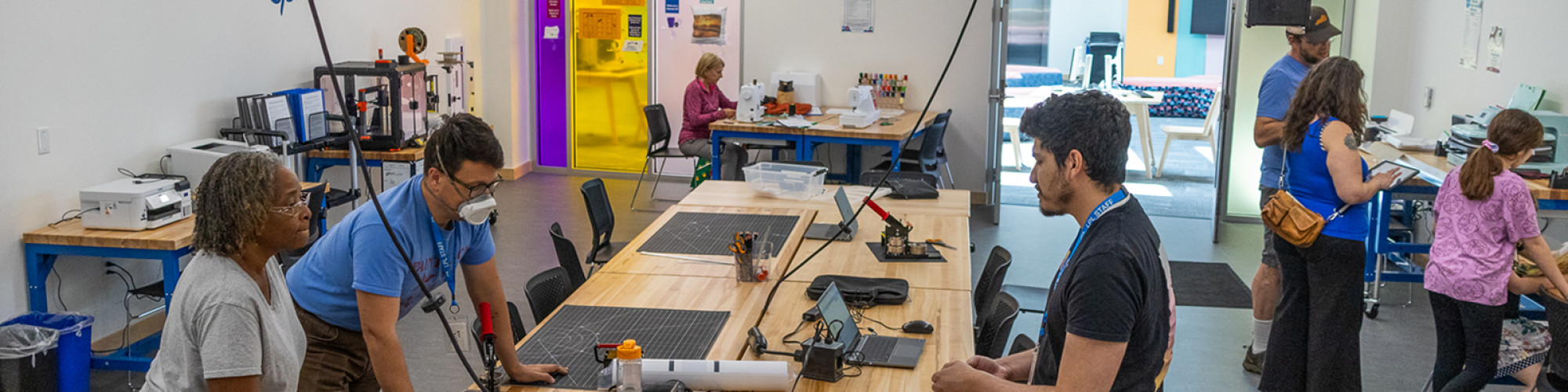
The Marksbury Family Branch Makerspace, located at 2197 Versailles Road, is an inclusive space where customers of all ages can come to learn, create, and explore together, free of charge. Outfitted with current high-tech and low-tech tools, the Makerspace is designed to promote education and cultivate a do-it-yourself spirit for the whole family. Customers ages 7 and under must be accompanied by a responsible caregiver. Planning to bring a group of 10 or more? Please contact us by calling 859-231-5500 ext.2822 or using the link below.
Sample projects
Design a bookmark for your next read, print matching t-shirts for your sports team, personalize a coffee mug, engrave a wooden coaster, embroider a hat, or print fun sticker labels for your new business.
New customers ages 13 and up must complete the Experiential Learning Agreement and Equipment Use Policy before using equipment. Children may use equipment under supervision of a responsible caregiver who has signed the agreement. Speak with a staff member at the Makerspace for more information.
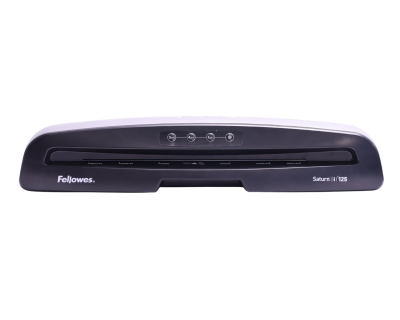
Print designs for t-shirts, mugs, and more. Sublimation paper (3.5x9”, 8.5x11”, and 8.5x14”) and butcher paper (4x9” and 12x12”) are available for purchase.
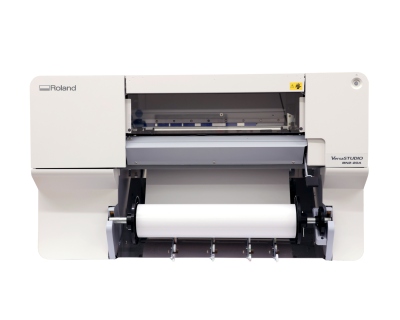
Print large designs on paper and vinyl. The Eastside Makerspace’s 24” printer is compatible with paper, photo paper, and banner vinyl.
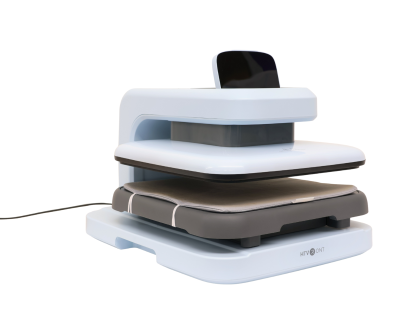
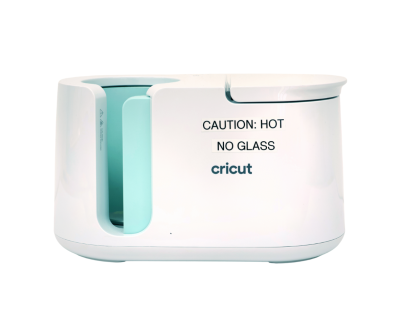
Transfer heat transfer vinyl or sublimation paper designs on t-shirts, mugs, bags, and other heat-resistant and sublimation ready materials.
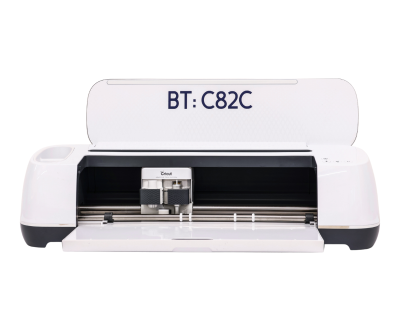
Cricut machines can cut 12x24-inch vinyl, fabric, and paper products.
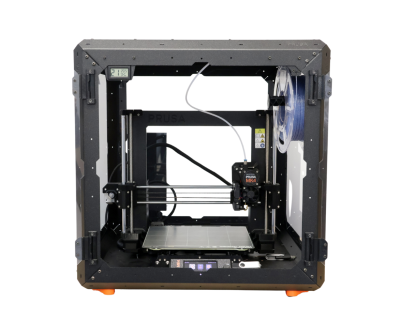
3D print items with a maximum size of 9.8x8.2x8.6 inches. PLA filament must be purchased from staff in the space.
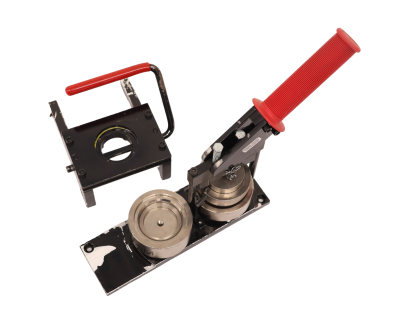
The Eastside Makerspace offers 1.25” and 2.25” button makers for buttons and magnets.
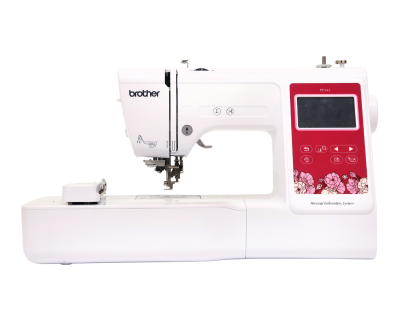
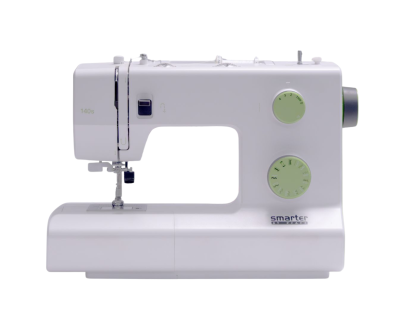
These provide 60 stitch patterns and are available for use in basic sewing projects. Needles, notions, and threads are provided in the Makerspace.
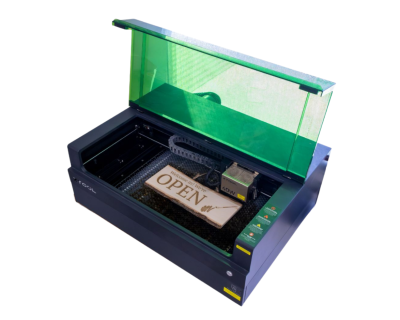
Cut wood or engrave on wood, metal, stone, leather, glass and more. The Eastside Makerspace machine can hold items up to 19.6x12.5x5 inches.
Use this machine to personalize your fabric items. Please supply your own personal items for embroidery.
Supplies like buttons and PLA filament are available to purchase from staff in the Marksbury Family Branch Makerspace. Equipment like the Cricut Maker, sewing machines, and embroidery machine may be used with your own materials free of charge. Please check with a Makerspace staff member for more details before using the equipment.
Customers ages 13 and up who have completed the Experiential Learning Agreement and live in Fayette County or a reciprocal county receive an $8 credit each month for material purchases. If you exceed this credit, you can still purchase additional supplies using credit or by tapping to pay.
Want to brush up on a skill before visiting? Log in to LinkedIn Learning for free with your library card. Your default PIN is the last four digits of the phone number associated with your account.
Want personalized help from a library expert? Book a one-on-one session with a librarian to get started!