







Website Search
Displaying results 726 - 750 of 772
Jamie tells an abridged history of Russell’s Cave, Fayette County’s largest cave.
Webform
Apply to be a presenter at the 2026 Kentucky History and Genealogy Conference.
Read the latest news from Lexington Public Library.
Library News
Grand Opening set for Saturday, March 9
Lexington, Kentucky (January 17, 2024) – Lexington Public Library is proud to announce the Grand Opening of the Marksbury Family Branch of the Lexington Public Library.
Festivities include a Media Day event on Friday, March 8 from 8:30-10am and a Grand Opening Celebration on Saturday, March 9 (more details coming soon). The current Village Branch will remain open through 6pm on Friday, February 23.
Mariam interviews Dr. Randolph Hollingsworth, Barbara Grygutis and Rob Bolson about their involvement in Lexington’s “Breaking the Bronze Ceiling” monument initiative.
Gallery
Kentucky Room Gallery (Central Library, Third Floor)
Exhibit Dates
-
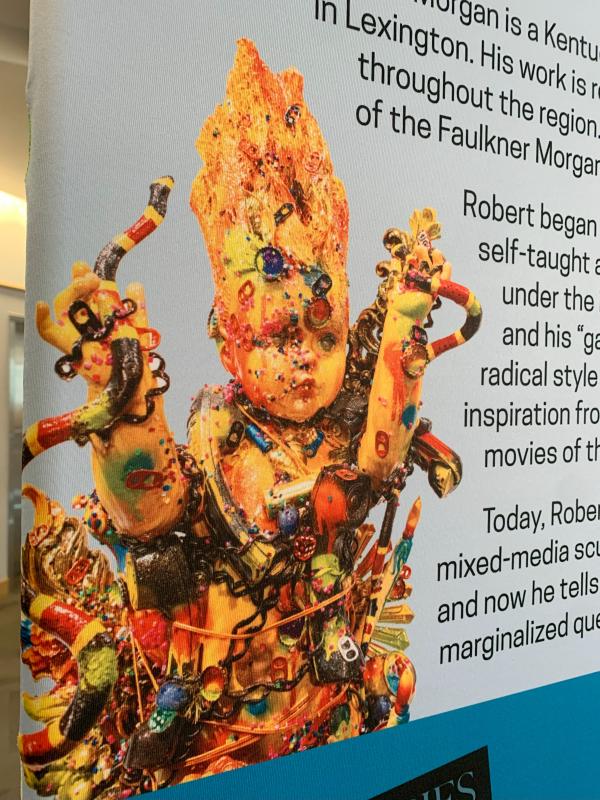
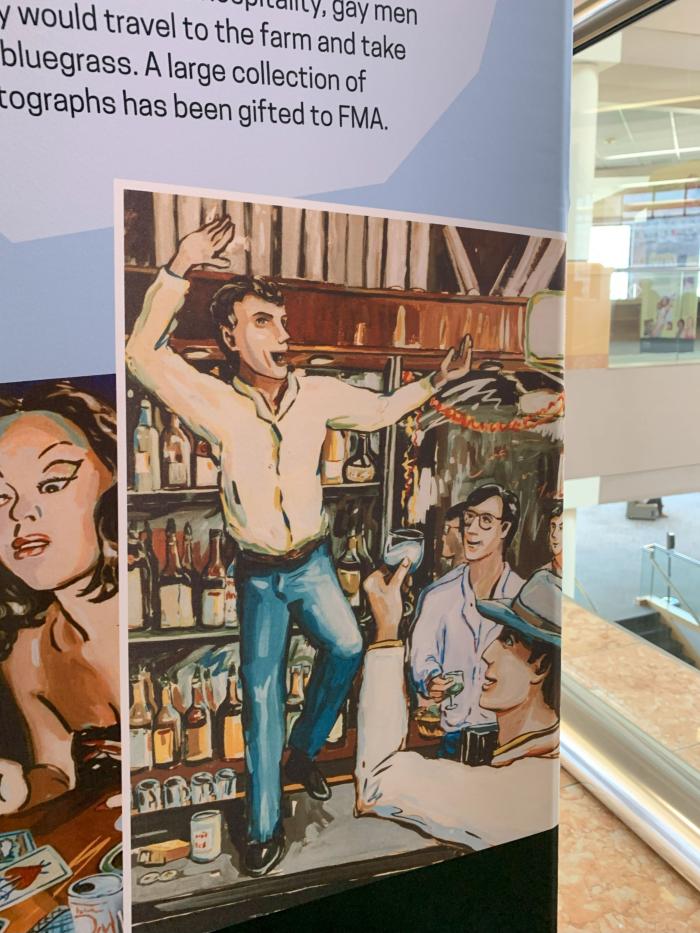
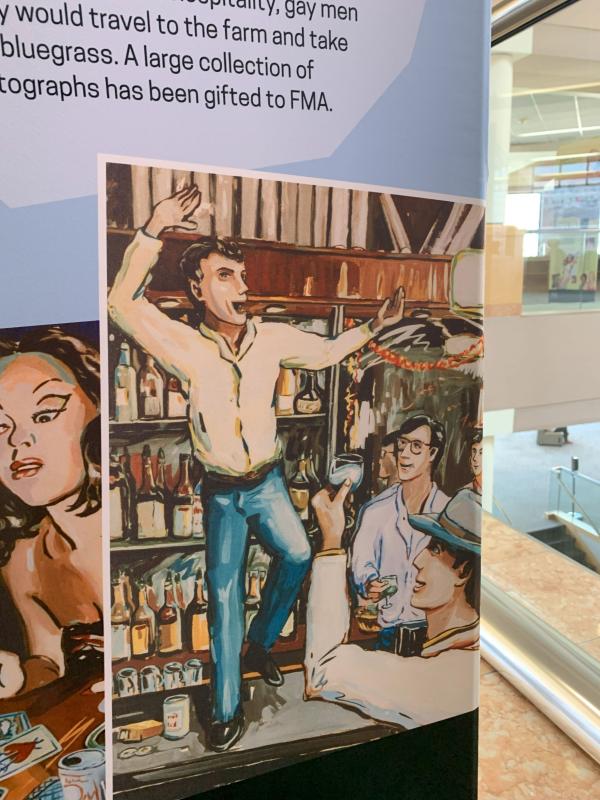
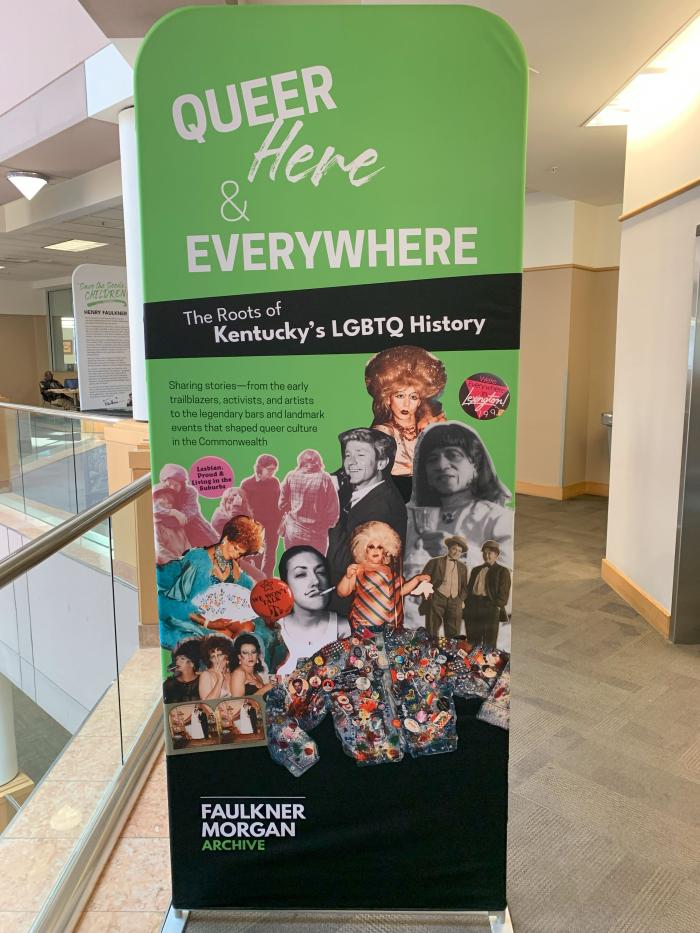
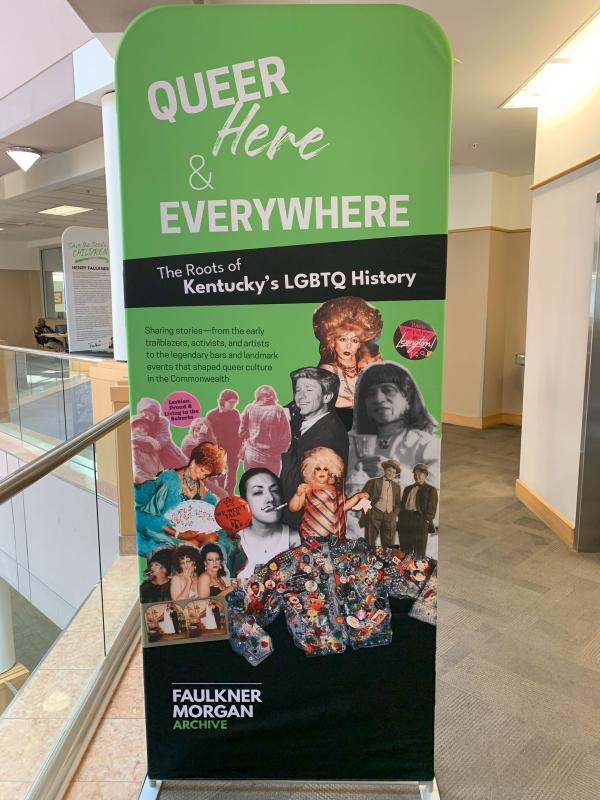
Queer, Here, & Everywhere: The Roots of Kentucky’s LGBTQ History is the first comprehensive exhibition of Lexington’s LGBTQ history, showcasing the importance of the queer community in this city
Highlighting key moments and figures in Lexington's LGBTQ history, from Sweet Evening Breeze's drag performances in the 1920s to the passage of the Fairness Ordinance in 1999, this exhibit celebrates the resilience and contributions of the queer community. By shedding light on these often overlooked narratives, we hope to foster a greater sense of belonging for LGBTQ individuals in Lexington while also promoting understanding and appreciation among the broader population.
Learn more about this exhibit here.

New to the U.S. and Lexington community? Check out these programs for English language learners.
Whether you're just starting out, changing careers, or returning to the workforce, finding a job can be tough. We can help you land the right position and answer your questions along the way.
Starting your own business or nonprofit is hard work, but we can help you locate the tools you need to get your ideas off the ground.
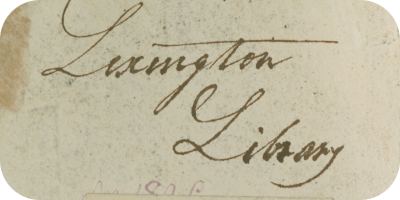
Learn more about Fayette County and our rich history with the Kentucky Room's Digital Archives. Search photo collections, historical newspapers and publications, and community collections with a simple search. New material is continually being scanned and added.

Do you need to learn new software, technology, creative or business skills to achieve your professional or personal goals? LinkedIn Learning gives you unlimited access to a vast library of high quality video tutorials taught by recognized industry experts. You can work at your own pace with provided exercise files. Available on your personal computer or mobile device. (Note: To log into the mobile app, enter lex for your Library ID. You will be prompted to enter your library card number and PIN.)

Learn more about health and wellness topics, from mainstream medicine to complementary, holistic, and integrated medicine. Information provided in this database should not be viewed as a means for self-diagnosis or a substitute for professional medical advice, diagnosis or treatment. Provided by the Kentucky Virtual Library.
Mariam interviews David Bryant about the life and work of Lexington-born African American composer Julia Perry (1924-1979).
Mariam and David discuss Charles Dickens’ visit to Kentucky in 1842, with readings by Bill Widener from Dickens’ work “American Notes.”
Use this machine to personalize your fabric items. Please supply your own personal items for embroidery. Thread is available free of charge, but please supply your own if you need a specific thread for your project.
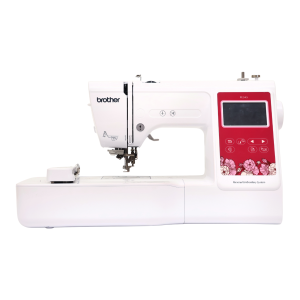
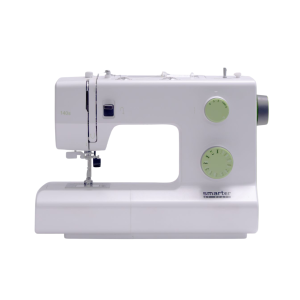
Sewing machines are available to use for basic sewing projects. Needles, notions, and threads are provided in the Makerspace. Please bring your own material, as well as thread if you require something specific.
Sewing machine brand varies by location.
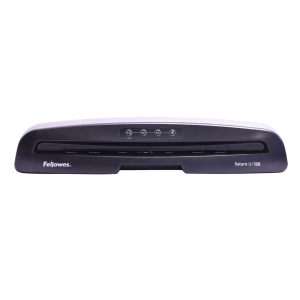
Laminate printed materials. Lamination is priced per page or linear foot, depending on the machine you use.
The Eastside Makerspace offers a large-format laminator that can laminate items up to 24 inches wide. Both Makerspaces and the Northside Digital Studio offer a pouch laminator that can laminate 8.5 x 11-inch or 11 x 17-inch items.
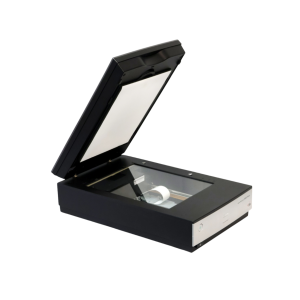
Use these to scan and digitize documents, family photographs, and other print items.
The Northside Digital Studio has 32 GB flash drives that are available for purchase, but you may need to bring additional storage depending on the size of the project.
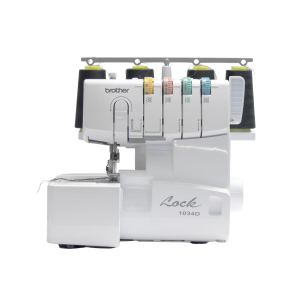
This item is available for use in advanced sewing projects. Needles, notions, and thread are provided in the Eastside Makerspace. Please bring your own material, as well as thread if you require something specific.
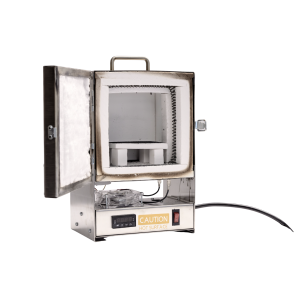
Fire small pieces made of precious metal clay. Available by appointment only. Please supply your own personal materials for firing.
The machine can hold items with a maximum size of 2.5 x 1.5 inches. Speak with an Eastside Makerspace staff member to schedule an appointment to use the tabletop kiln.
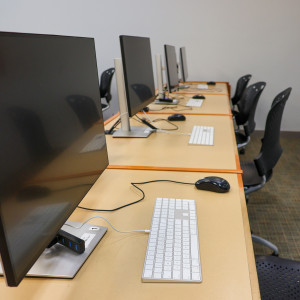
Use Adobe Creative Cloud, Microsoft Office Suite, Apple apps, and other photo, audio, and video editing software to create, edit, and design a variety of projects. 32 GB flash drives are available for purchase, but you may need to bring additional storage depending on the size of the project.
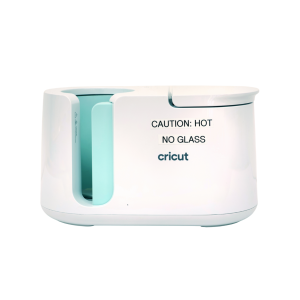
Transfer sublimation paper designs on mugs and tumblers. Please supply your own items to transfer on to. Sublimation paper is available to purchase, or you can use your own free of charge. Speak with a staff member before bringing or using your own materials.