







Website Search
Displaying results 101 - 125 of 200

Find trusted information in this multimedia encyclopedia for elementary, middle school, and high school students in Spanish. Provided by the Kentucky Virtual Library.

For grades pre-K through 3, BookFlix pairs classic video storybooks with a related nonfiction book from Scholastic imprints. These engaging stories will help early readers to develop and practice essential reading skills.

Find trusted information in this multimedia encyclopedia for children and young adults in English. Provided by the Kentucky Virtual Library.

Interactive study guides and practice exams to prepare for the GED, SAT, ACT, ASVAB, and other academic, civil service, military and professional exams. Provided by the Kentucky Virtual Library.

Get live expert help with homework and skill building, study tips and tools, and collaborate with friends on your computer or mobile device. Live Homework Help is available daily for K-12 grades with professional tutors. You must create an account on the Brainfuse site before you can log into the mobile app.
Mobile Options (Create Your Account Here First)

|

|
Brainfuse HelpNow Demo
Brainfuse HelpNow Demo (Español)

Trying to find a book and want to search libraries all over the world, all at once? WorldCat Discovery is the library catalog for you. Provided by the Kentucky Virtual Library.

Discover favorite books and apps, matched to your child's age and interests, and other tools for building early literacy. Log reading and earn badges on your computer or mobile device.
Board of Trustees
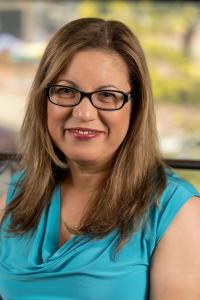
Dr. Rania Belmadani was born in Algeria, lived in Spain for more than 15 years, and now calls Lexington her home. She serves as a Language Access Specialist with GlobalLex. Rania is fluent in five languages – Arabic, French, Spanish, German and English. In addition, she holds multiple degrees from universities in both Algeria and Spain.
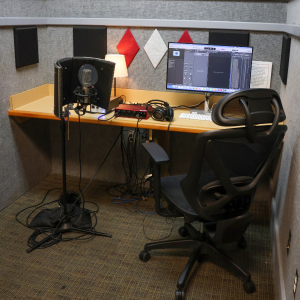
Audio booths are outfitted with a microphone, computer, headphones, and other recording equipment and software.
Musical instruments are available at the Northside Digital Studio audio booth. 32 GB flash drives are available for purchase at the Digital Studio, but you may need to bring additional storage depending on the size of the project.
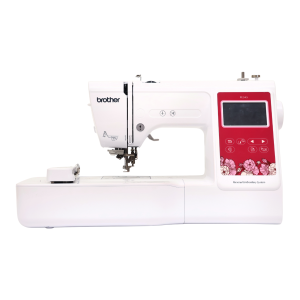
Use this machine to personalize your fabric items. Please supply your own personal items for embroidery. Thread is available free of charge, but please supply your own if you need a specific thread for your project.
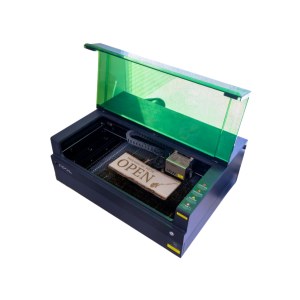
Engraver size varies by location. Cut wood or engrave on wood, metal, stone, leather, glass and more.
The Eastside Makerspace machine can hold items up to 19.6 x 12.5 x 5 inches. The Marksbury Family Branch Makerspace machine can hold smaller items like coasters and keychains up to 4.53 x 4.53 inches. Some items are available to purchase in the space, including keychains, business cards, coasters, and bookmarks.
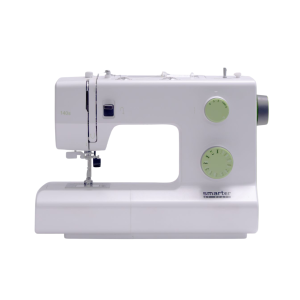
Sewing machines are available to use for basic sewing projects. Needles, notions, and threads are provided in the Makerspace. Please bring your own material, as well as thread if you require something specific.
Sewing machine brand varies by location.
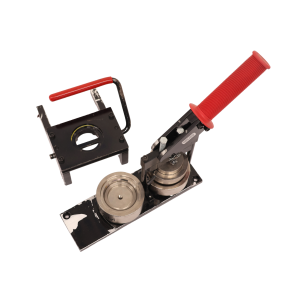
Make buttons and magnets using equipment and supplies available in the Makerspace.
The Eastside Makerspace offers 1.25” and 2.25” button makers for buttons and magnets. The Marksbury Family Branch Makerspace offers 2.25” button makers for buttons and magnets and 1” button makers for keychains, earrings, and paperclip bookmarks. Button, magnet keychain, earring, and bookmark materials are available to purchase.
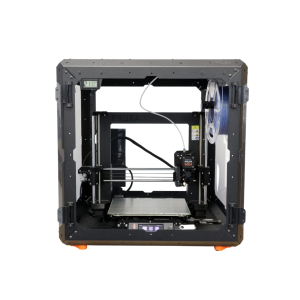
3D print a variety of items. PLA filament must be purchased from staff in the space.
3D printers are able to print items with a maximum size of 9.8 x 8.2 x 8.6 inches.
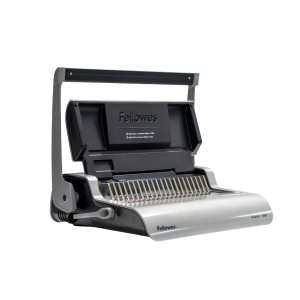
Use this machine to bind paper booklets in a variety of sizes. Binding combs are available for purchase, or you can use your own free of charge. Speak with a staff member before use if you are using your own combs.
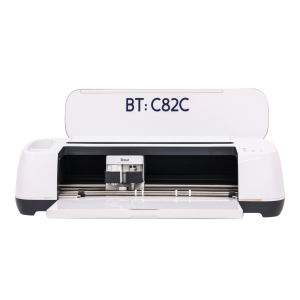
Cricut machines can cut 12 x 24-inch vinyl, fabric, and paper products. 12 x 12-inch transfer tape, permanent vinyl, and heat transfer vinyl are available for purchase, or you can use your own materials free of charge. Speak with a staff member before use if you are bringing your own materials.
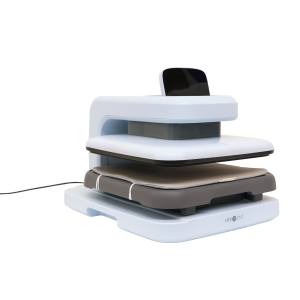
Use a variety of heat presses to transfer your original designs on to personal items.
The Marksbury Family Branch Makerspace has an automated heat press, large and small handheld presses, sublimation printer, and Cricut machines. The Eastside Makerspace has a small handheld press, automated heat press, and Cricut machines. Please supply your own personal items to transfer on to. Sublimation paper and heat transfer vinyl are available for purchase, or you can use your own free of charge. Speak with a staff member before bringing or using your own materials.
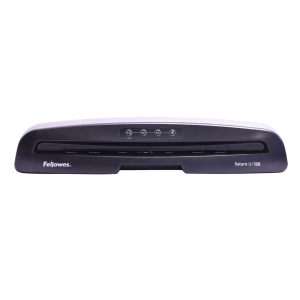
Laminate printed materials. Lamination is priced per page or linear foot, depending on the machine you use.
The Eastside Makerspace offers a large-format laminator that can laminate items up to 24 inches wide. Both Makerspaces and the Northside Digital Studio offer a pouch laminator that can laminate 8.5 x 11-inch or 11 x 17-inch items.
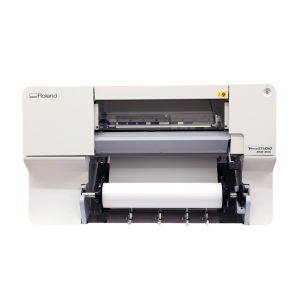
Print your large-format designs on paper and vinyl. Printer size varies by location.
The Eastside Makerspace’s 24” printer is compatible with paper, photo paper, and banner vinyl. The Marksbury Family Branch Makerspace’s 20” printer with an 18.5" printable space is compatible with photo paper, sticker paper, banner vinyl, and heat transfer vinyl. Paper and vinyl are available for purchase and are priced per linear foot.
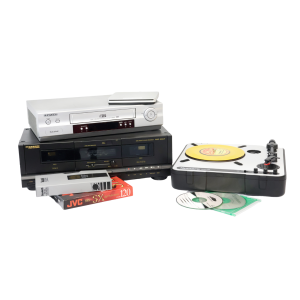
Digitize cassettes, Blu-rays, DVDs, CDs, records, VHS, slides, and negatives. 32 GB flash drives are available for purchase, but you may need to bring additional storage depending on the size of the project.
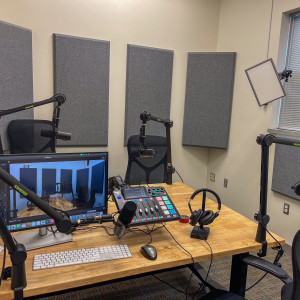
This space is equipped with professional microphones, video equipment, and lighting to record and video for your podcast. 32 GB flash drives are available for purchase, but you may need to bring additional storage depending on the size of the project.
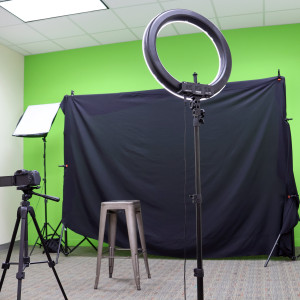
This studio is outfitted with a green screen, lighting, computer, and camera for professional photography and videography. 32 GB flash drives are available for purchase, but you may need to bring additional storage depending on the size of the project.
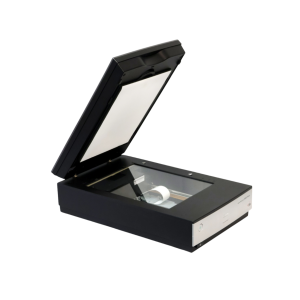
Use these to scan and digitize documents, family photographs, and other print items.
The Northside Digital Studio has 32 GB flash drives that are available for purchase, but you may need to bring additional storage depending on the size of the project.
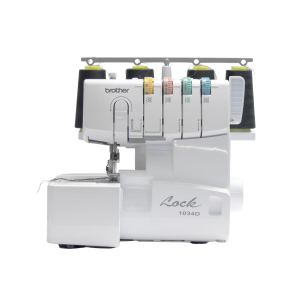
This item is available for use in advanced sewing projects. Needles, notions, and thread are provided in the Eastside Makerspace. Please bring your own material, as well as thread if you require something specific.