







Website Search
Displaying results 1 - 25 of 32
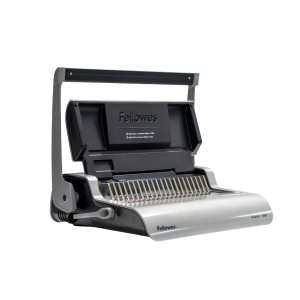
Use this machine to bind paper booklets in a variety of sizes. Binding combs are available for purchase, or you can use your own free of charge. Speak with a staff member before use if you are using your own combs.
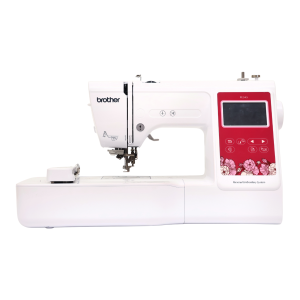
Use this machine to personalize your fabric items. Please supply your own personal items for embroidery. Thread is available free of charge, but please supply your own if you need a specific thread for your project.
Several pieces of equipment require additional supplies such as PLA filament, vinyl, and metal backings. Some supplies are available for purchase in our learning spaces. Customers ages 13 and up who have signed the Experiential Learning Agreement and Equipment Use Policy, which is available to sign in-person at any of the four learning spaces, and live in Fayette County or a reciprocal county receive an $8 credit each month for material purchases. If you exceed this credit, you can still purchase additional supplies using credit, Mobile App Pay or Mobile Pay, or tapping to pay.
The Marksbury Family Branch Makerspace, located at 2197 Versailles Road, is an inclusive space where customers of all ages can come to learn, create, and explore together, free of charge. Outfitted with current high-tech and low-tech tools, the Makerspace is designed to promote education and cultivate a do-it-yourself spirit for the whole family. Customers ages 7 and under must be accompanied by a responsible caregiver. Planning to bring a group of 10 or more? Please contact us by calling 859-231-5500 ext.2822 or using the link below.
Sample projects
Engrave a bookmark for your next read, design matching t-shirts for your family vacation, personalize a coffee mug, embroider a t-shirt, or print fun stickers for your new business.
The Eastside Branch Makerspace, located at 3000 Blake James Drive, is a collaborative workspace for ages 13 and up to make, learn , explore, and share, free of charge. Staff are available during open studio hours to assist in projects of all kinds, or contact Makerspace staff to schedule one-on-one help. Not sure where to start? The Eastside Makerspace also offers regular workshops that introduce participants to new skills, technology, and equipment. Planning to bring a group of 10 or more? Please contact us by calling 859-231-5500 ext.2207 or using the link below.
Sample projects
Engrave a welcome sign, 3D print a business card holder, laminate a sign for your classroom, print a banner for your next event, make a personalized magnet for your refrigerator, sew a quilt block, or cut a vinyl design for your water bottle.
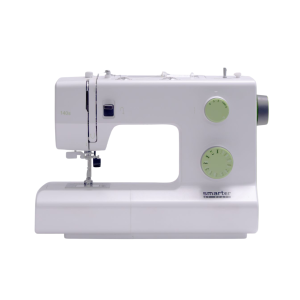
Sewing machines are available to use for basic sewing projects. Needles, notions, and threads are provided in the Makerspace. Please bring your own material, as well as thread if you require something specific.
Sewing machine brand varies by location.
The Eastside Makerspace and Marksbury Family Branch Makerspace offer a collaborative workspace where individuals can learn, create, and explore together free of charge through special events, programs, equipment, and staff support.
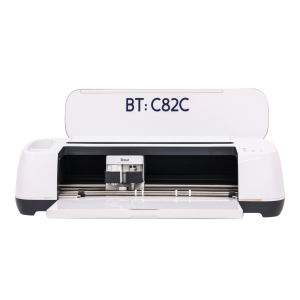
Cricut machines can cut 12 x 24-inch vinyl, fabric, and paper products. 12 x 12-inch transfer tape, permanent vinyl, and heat transfer vinyl are available for purchase, or you can use your own materials free of charge. Speak with a staff member before use if you are bringing your own materials.
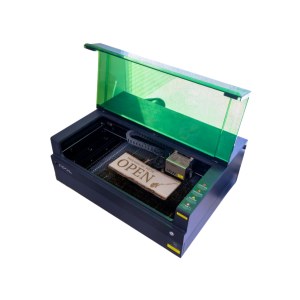
Engraver size varies by location. Cut wood or engrave on wood, metal, stone, leather, glass and more.
The Eastside Makerspace machine can hold items up to 19.6 x 12.5 x 5 inches. The Marksbury Family Branch Makerspace machine can hold smaller items like coasters and keychains up to 4.53 x 4.53 inches. Some items are available to purchase in the space, including keychains, business cards, coasters, and bookmarks.
-
Eastside Branch - Makerspace
It is required that you bring your own working sewing machine to class with a needle, bobbin, and thread. Other fabric and supplies will be provided, but great optional items to bring are as follows:
-Straight Pins
-Walking Foot Compatible with Your Sewing Machine
-Wooden Chopstick/Point Turner
-Extra Sewing Machine Needles (Just In Case)
-Seam Ripper
Teacher Time returns to the Marksbury Family Branch Makerspace July 13–17 and to the Eastside Makerspace July 20–24, with two sessions each day: 11:00am–2:00pm and 3:00pm–6:00pm.
Teacher Time is a free library program offering educators dedicated hours and staff support to use Makerspace equipment for creating classroom resources.
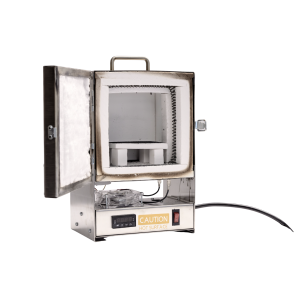
Fire small pieces made of precious metal clay. Available by appointment only. Please supply your own personal materials for firing.
The machine can hold items with a maximum size of 2.5 x 1.5 inches. Speak with an Eastside Makerspace staff member to schedule an appointment to use the tabletop kiln.
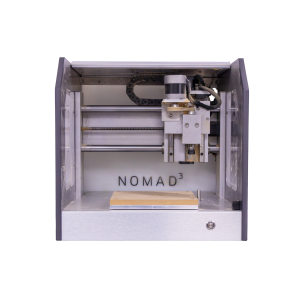
Use this router for small scale wood milling. Available by appointment only. Please supply your own personal items for milling.
The machine can hold items with a maximum size of 8 x 8 x 3 inches. Speak with an Eastside Makerspace staff member to schedule an appointment to use the CNC router.
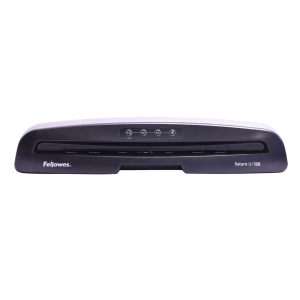
Laminate printed materials. Lamination is priced per page or linear foot, depending on the machine you use.
The Eastside Makerspace offers a large-format laminator that can laminate items up to 24 inches wide. Both Makerspaces and the Northside Digital Studio offer a pouch laminator that can laminate 8.5 x 11-inch or 11 x 17-inch items.
The Lexington Public Library is home to four collaborative creative spaces for making, learning, exploring, and sharing. These spaces offer a variety of events, high-tech and low-tech equipment for patron use, and serve as a space to build community, explore your creativity, and develop personal interests.
Sample projects
Film a music video, 3D print a fidget toy, digitize old family photos, sew a costume or mend your favorite pair of pants, embroider a t-shirt, comb bind a book, start a podcast, record in the audio booth, create content with the green screen, make custom magnets or buttons, engrave a keychain, print a poster, make custom stickers, and more.
Help us make digital archives searchable, from anywhere.
Use Adobe Creative Cloud, Microsoft Office Suite, Apple apps, and other photo, audio, and video editing software to create, edit, and design a variety of projects. 32 GB flash drives are available for purchase, but you may need to bring additional storage depending on the size of the project.
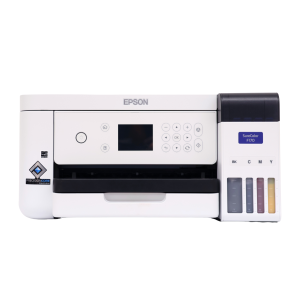
Print designs for t-shirts, mugs, and more. Please supply your own personal items on which you'll be adding or transferring your design. Sublimation paper (3.5 x 9, 8.5 x 11, and 8.5 x 14 inches) and butcher paper (4 x 9 and 12 x 12 inches) are available for purchase.
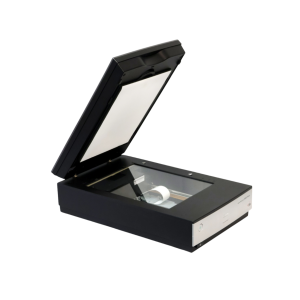
Use these to scan and digitize documents, family photographs, and other print items.
The Northside Digital Studio has 32 GB flash drives that are available for purchase, but you may need to bring additional storage depending on the size of the project.
This studio is outfitted with a green screen, lighting, computer, and camera for professional photography and videography. 32 GB flash drives are available for purchase, but you may need to bring additional storage depending on the size of the project.
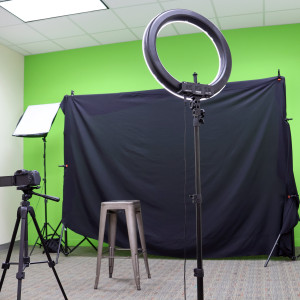
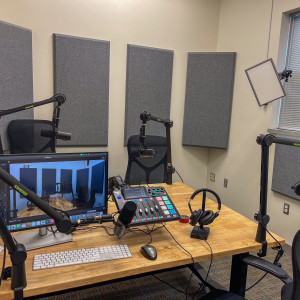
This space is equipped with professional microphones, video equipment, and lighting to record and video for your podcast. 32 GB flash drives are available for purchase, but you may need to bring additional storage depending on the size of the project.
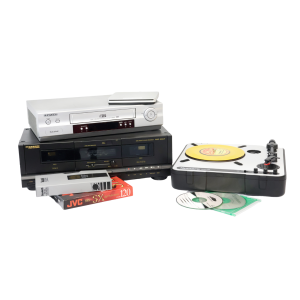
Digitize cassettes, Blu-rays, DVDs, CDs, records, VHS, slides, and negatives. 32 GB flash drives are available for purchase, but you may need to bring additional storage depending on the size of the project.
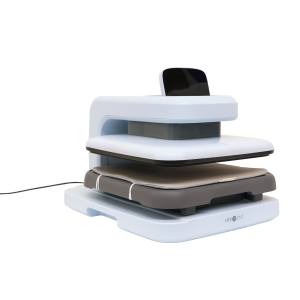
Use a variety of heat presses to transfer your original designs on to personal items.
The Marksbury Family Branch Makerspace has an automated heat press, large and small handheld presses, sublimation printer, and Cricut machines. The Eastside Makerspace has a small handheld press, automated heat press, and Cricut machines. Please supply your own personal items to transfer on to. Sublimation paper and heat transfer vinyl are available for purchase, or you can use your own free of charge. Speak with a staff member before bringing or using your own materials.
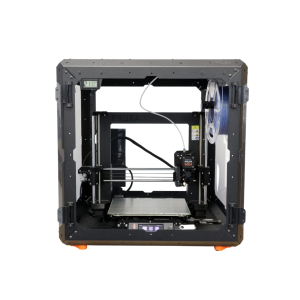
3D print a variety of items. PLA filament must be purchased from staff in the space.
3D printers are able to print items with a maximum size of 9.8 x 8.2 x 8.6 inches.
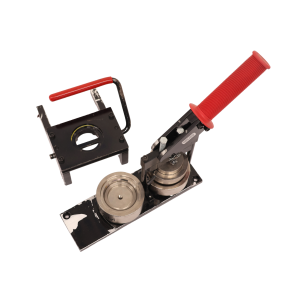
Make buttons and magnets using equipment and supplies available in the Makerspace.
The Eastside Makerspace offers 1.25” and 2.25” button makers for buttons and magnets. The Marksbury Family Branch Makerspace offers 2.25” button makers for buttons and magnets and 1” button makers for keychains, earrings, and paperclip bookmarks. Button, magnet keychain, earring, and bookmark materials are available to purchase.