









Website Search
Displaying results 551 - 575 of 657
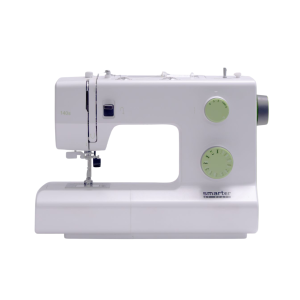
Sewing machines are available to use for basic sewing projects. Needles, notions, and threads are provided in the Makerspace. Please bring your own material, as well as thread if you require something specific.
Sewing machine brand varies by location.
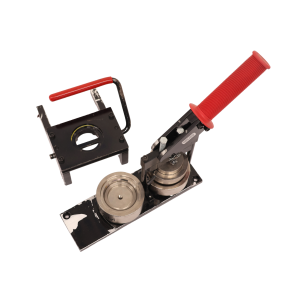
Make buttons and magnets using equipment and supplies available in the Makerspace.
The Eastside Makerspace offers 1.25” and 2.25” button makers for buttons and magnets. The Marksbury Family Branch Makerspace offers 2.25” button makers for buttons and magnets and 1” button makers for keychains, earrings, and paperclip bookmarks. Button, magnet keychain, earring, and bookmark materials are available to purchase.
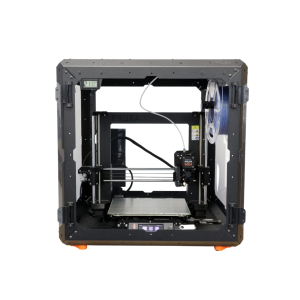
3D print a variety of items. PLA filament must be purchased from staff in the space.
3D printers are able to print items with a maximum size of 9.8 x 8.2 x 8.6 inches.
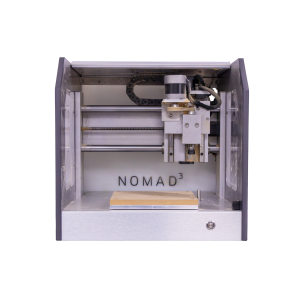
Use this router for small scale wood milling. Available by appointment only. Please supply your own personal items for milling.
The machine can hold items with a maximum size of 8 x 8 x 3 inches. Speak with an Eastside Makerspace staff member to schedule an appointment to use the CNC router.
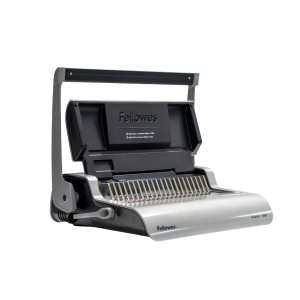
Use this machine to bind paper booklets in a variety of sizes. Binding combs are available for purchase, or you can use your own free of charge. Speak with a staff member before use if you are using your own combs.
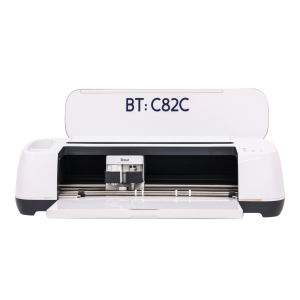
Cricut machines can cut 12 x 24-inch vinyl, fabric, and paper products. 12 x 12-inch transfer tape, permanent vinyl, and heat transfer vinyl are available for purchase, or you can use your own materials free of charge. Speak with a staff member before use if you are bringing your own materials.
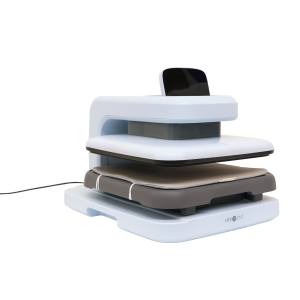
Use a variety of heat presses to transfer your original designs on to personal items.
The Marksbury Family Branch Makerspace has an automated heat press, large and small handheld presses, sublimation printer, and Cricut machines. The Eastside Makerspace has a small handheld press, automated heat press, and Cricut machines. Please supply your own personal items to transfer on to. Sublimation paper and heat transfer vinyl are available for purchase, or you can use your own free of charge. Speak with a staff member before bringing or using your own materials.
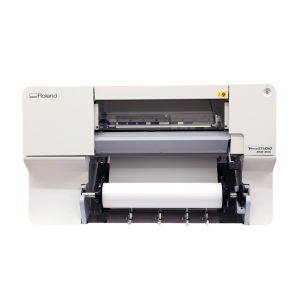
Print your large-format designs on paper and vinyl. Printer size varies by location.
The Eastside Makerspace’s 24” printer is compatible with paper, photo paper, and banner vinyl. The Marksbury Family Branch Makerspace’s 20” printer is compatible with photo paper, sticker paper, banner vinyl, and heat transfer vinyl. Paper and vinyl are available for purchase and are priced per linear foot.
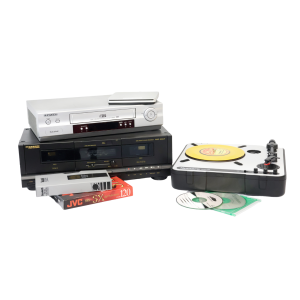
Digitize cassettes, Blu-rays, DVDs, CDs, records, VHS, slides, and negatives. 32 GB flash drives are available for purchase, but you may need to bring additional storage depending on the size of the project.
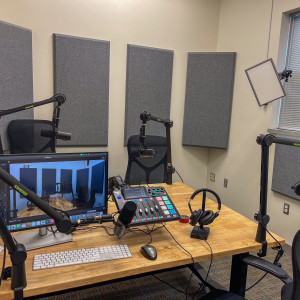
This space is equipped with professional microphones, video equipment, and lighting to record and video for your podcast. 32 GB flash drives are available for purchase, but you may need to bring additional storage depending on the size of the project.
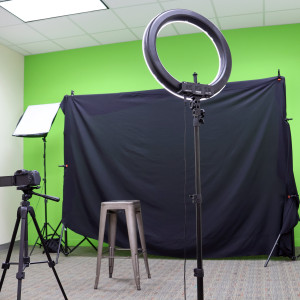
This studio is outfitted with a green screen, lighting, computer, and camera for professional photography and videography. 32 GB flash drives are available for purchase, but you may need to bring additional storage depending on the size of the project.
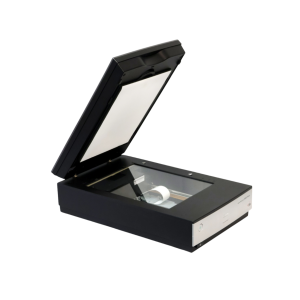
Use these to scan and digitize documents, family photographs, and other print items.
The Northside Digital Studio has 32 GB flash drives that are available for purchase, but you may need to bring additional storage depending on the size of the project.
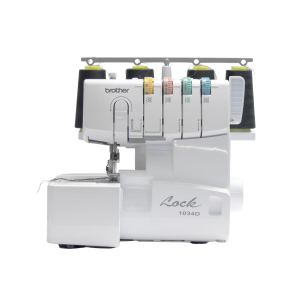
This item is available for use in advanced sewing projects. Needles, notions, and thread are provided in the Eastside Makerspace. Please bring your own material, as well as thread if you require something specific.
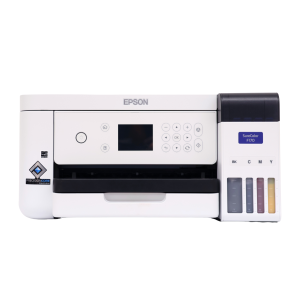
Print designs for t-shirts, mugs, and more. Please supply your own personal items on which you'll be adding or transferring your design. Sublimation paper (3.5 x 9, 8.5 x 11, and 8.5 x 14 inches) and butcher paper (4 x 9 and 12 x 12 inches) are available for purchase.
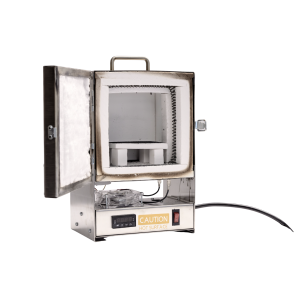
Fire small pieces made of precious metal clay. Available by appointment only. Please supply your own personal materials for firing.
The machine can hold items with a maximum size of 2.5 x 1.5 inches. Speak with an Eastside Makerspace staff member to schedule an appointment to use the tabletop kiln.
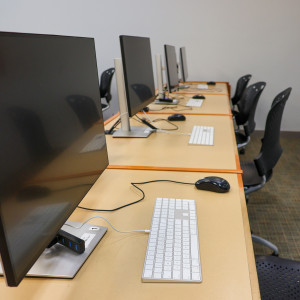
Use Adobe Creative Cloud, Microsoft Office Suite, Apple apps, and other photo, audio, and video editing software to create, edit, and design a variety of projects. 32 GB flash drives are available for purchase, but you may need to bring additional storage depending on the size of the project.
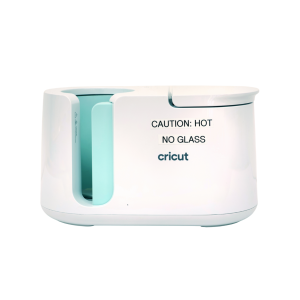
Transfer sublimation paper designs on mugs and tumblers. Please supply your own items to transfer on to. Sublimation paper is available to purchase, or you can use your own free of charge. Speak with a staff member before bringing or using your own materials.

Get live expert help with homework and skill building, study tips and tools, and collaborate with friends on your computer or mobile device. Live Homework Help is available daily for K-12 grades with professional tutors. You must create an account on the Brainfuse site before you can log into the mobile app.
Mobile Options (Create Your Account Here First)

|

|
Brainfuse HelpNow Demo
Brainfuse HelpNow Demo (Español)
In this episode, Jenny, Alexa, and Robyn, co-owner of ReBelle, Central Kentucky’s most imaginative yarn shop, to discuss how they each got started crafting, their crafts of choice, and their favorite books and pattern resources.
In the fourth and final installment of our virtual bookclub, we'll talk about how the author wraps up, or doesn't wrap up the events in the book. Where are our favorite characters headed? What do we know for sure about Tariq's death? Are we left with more
Gallery
Kentucky Room Gallery (Central Library, Third Floor)
Exhibit Dates
-
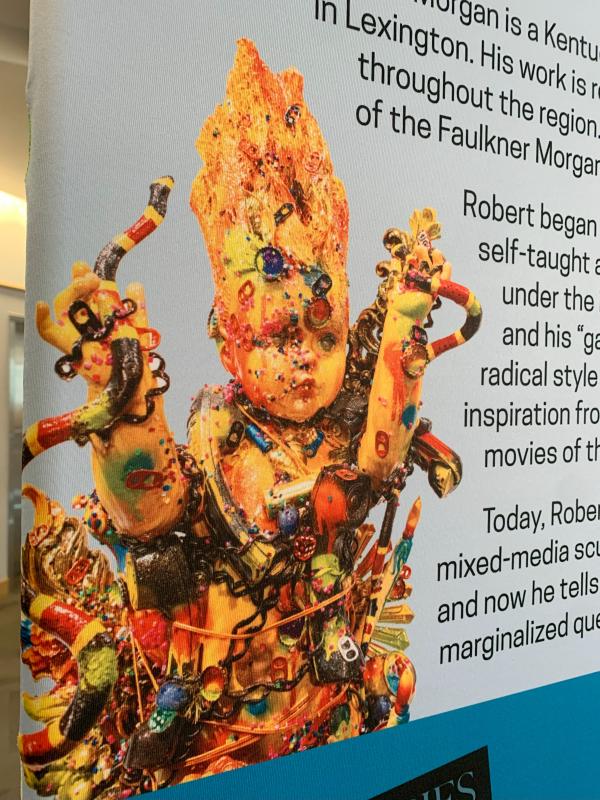
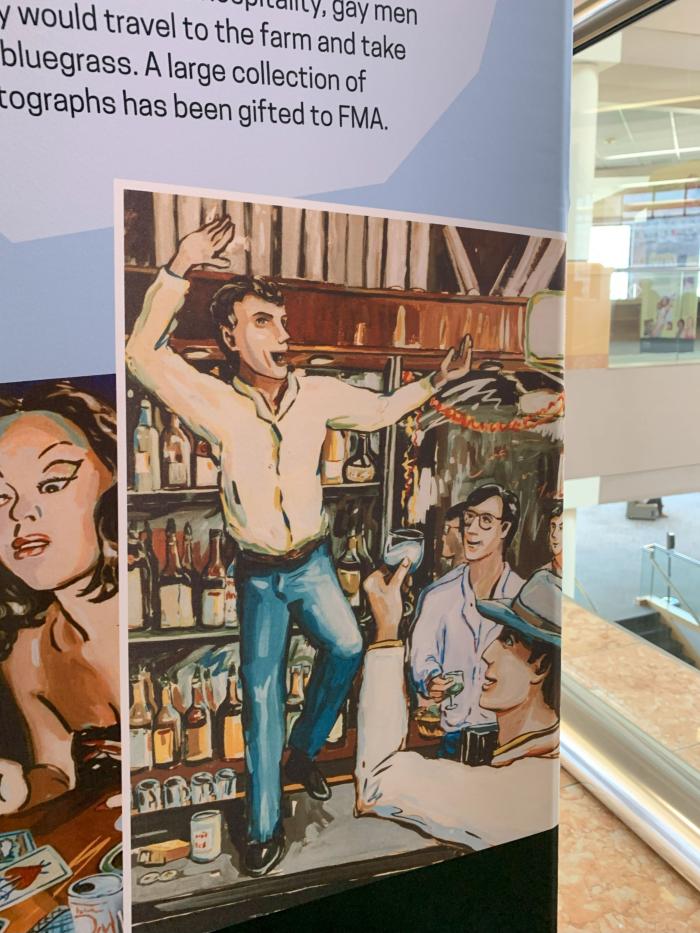
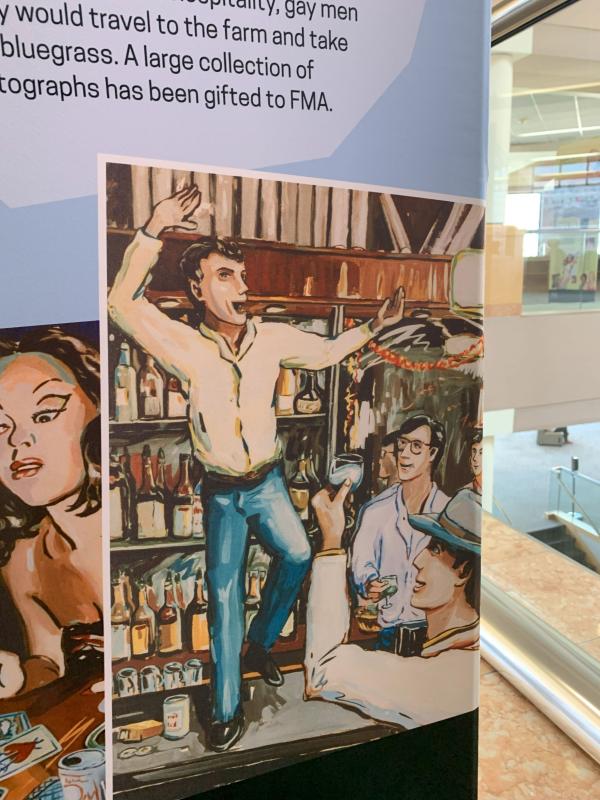
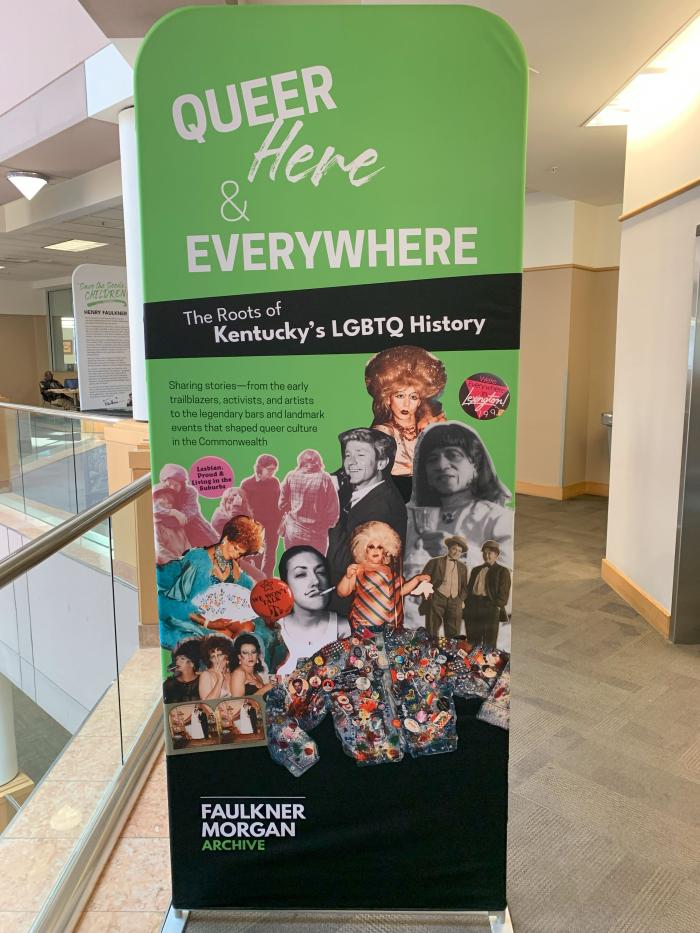
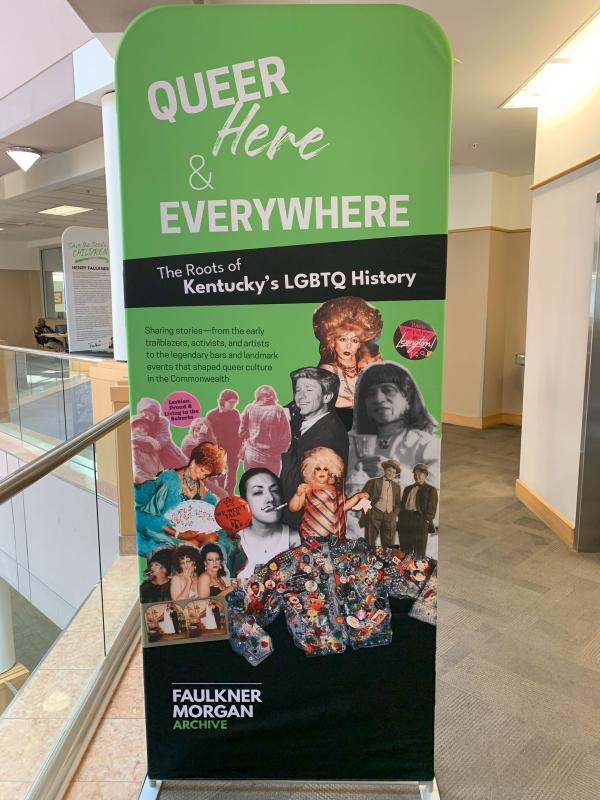
Queer, Here, & Everywhere: The Roots of Kentucky’s LGBTQ History is the first comprehensive exhibition of Lexington’s LGBTQ history, showcasing the importance of the queer community in this city
Highlighting key moments and figures in Lexington's LGBTQ history, from Sweet Evening Breeze's drag performances in the 1920s to the passage of the Fairness Ordinance in 1999, this exhibit celebrates the resilience and contributions of the queer community. By shedding light on these often overlooked narratives, we hope to foster a greater sense of belonging for LGBTQ individuals in Lexington while also promoting understanding and appreciation among the broader population.
Learn more about this exhibit here.


Advisory Board
Jason Hall is the Executive Director of the Catholic Conference of Kentucky, the public policy voice of Kentucky’s four Catholic bishops. Prior to his time with the Conference, Jason served as Deputy General Counsel to the Kentucky State Senate Majority Leadership.
Search our Digital Archives by format.
Advisory Board
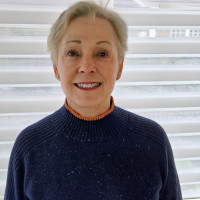
I am a retired electrical engineer after 32 years working at IBM / Lexmark in various areas of the business and as a manager of employees in Lexington and the Philippines. I received my electrical engineering Bachelor of Science from the University of Kentucky. After retirement, I utilized my first Bachelor of Science in mathematics from George Peabody College in Nashville as a teacher of mathematics and volunteered at Carnegie Literacy Center and Homework Help with the Lexington Public Library. I have also volunteered in many capacities at St. Raphael Episcopal Church.
In this very special holiday episode of the Lexington Public Library’s Checked Out podcast, author C.C. Payne reads “The Night Before Christmas.” Perfect listening for a chilly night spent in front of the fireplace with a mug of hot cocoa.



