






Website Search
Displaying results 51 - 75 of 192
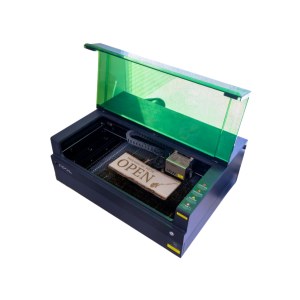
Engraver size varies by location. Cut wood or engrave on wood, metal, stone, leather, glass and more.
The Eastside Makerspace machine can hold items up to 19.6 x 12.5 x 5 inches. The Marksbury Family Branch Makerspace machine can hold smaller items like coasters and keychains up to 4.53 x 4.53 inches. Some items are available to purchase in the space, including keychains, business cards, coasters, and bookmarks.
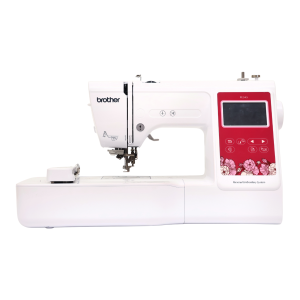
Use this machine to personalize your fabric items. Please supply your own personal items for embroidery. Thread is available free of charge, but please supply your own if you need a specific thread for your project.
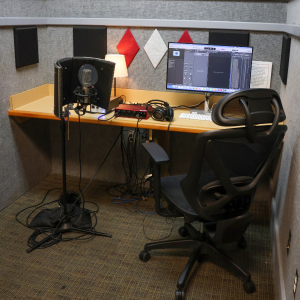
Audio booths are outfitted with a microphone, computer, headphones, and other recording equipment and software.
Musical instruments are available at the Northside Digital Studio audio booth. 32 GB flash drives are available for purchase at the Digital Studio, but you may need to bring additional storage depending on the size of the project.
Library News
Lexington, Kentucky (April 12, 2023) – The Lexington Public Library will be Fine Free for all materials, effective immediately, following a vote at today’s regularly scheduled monthly board meeting. Lexington Public Library customers will no longer incur fines for late, damaged, or lost library materials. Additionally, the Library has forgiven all current, outstanding fines
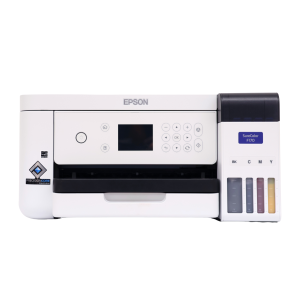
Print designs for t-shirts, mugs, and more. Please supply your own personal items on which you'll be adding or transferring your design. Sublimation paper (3.5 x 9, 8.5 x 11, and 8.5 x 14 inches) and butcher paper (4 x 9 and 12 x 12 inches) are available for purchase.
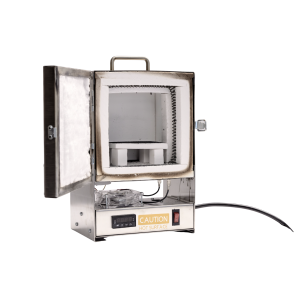
Fire small pieces made of precious metal clay. Available by appointment only. Please supply your own personal materials for firing.
The machine can hold items with a maximum size of 2.5 x 1.5 inches. Speak with an Eastside Makerspace staff member to schedule an appointment to use the tabletop kiln.
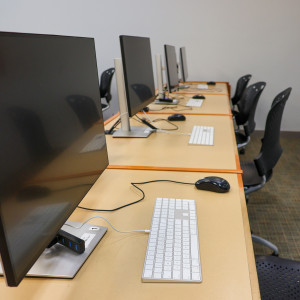
Use Adobe Creative Cloud, Microsoft Office Suite, Apple apps, and other photo, audio, and video editing software to create, edit, and design a variety of projects. 32 GB flash drives are available for purchase, but you may need to bring additional storage depending on the size of the project.
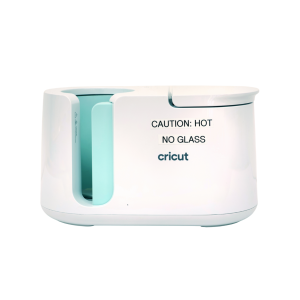
Transfer sublimation paper designs on mugs and tumblers. Please supply your own items to transfer on to. Sublimation paper is available to purchase, or you can use your own free of charge. Speak with a staff member before bringing or using your own materials.
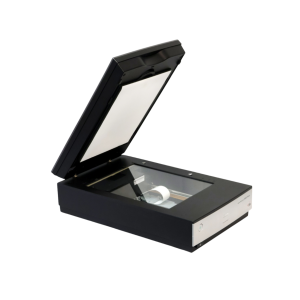
Use these to scan and digitize documents, family photographs, and other print items.
The Northside Digital Studio has 32 GB flash drives that are available for purchase, but you may need to bring additional storage depending on the size of the project.
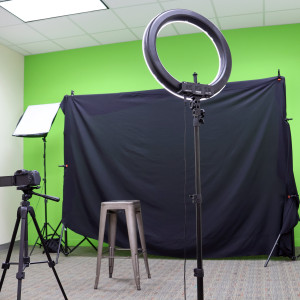
This studio is outfitted with a green screen, lighting, computer, and camera for professional photography and videography. 32 GB flash drives are available for purchase, but you may need to bring additional storage depending on the size of the project.
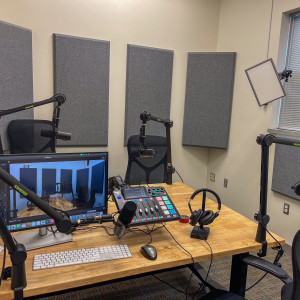
This space is equipped with professional microphones, video equipment, and lighting to record and video for your podcast. 32 GB flash drives are available for purchase, but you may need to bring additional storage depending on the size of the project.
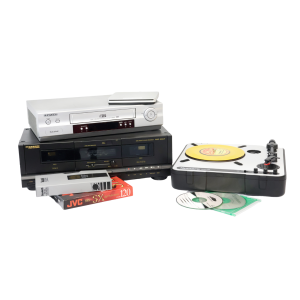
Digitize cassettes, Blu-rays, DVDs, CDs, records, VHS, slides, and negatives. 32 GB flash drives are available for purchase, but you may need to bring additional storage depending on the size of the project.
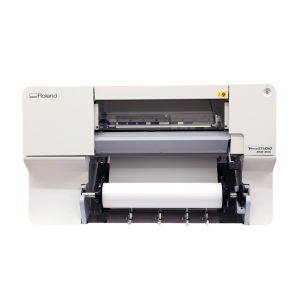
Print your large-format designs on paper and vinyl. Printer size varies by location.
The Eastside Makerspace’s 24” printer is compatible with paper, photo paper, and banner vinyl. The Marksbury Family Branch Makerspace’s 20” printer is compatible with photo paper, sticker paper, banner vinyl, and heat transfer vinyl. Paper and vinyl are available for purchase and are priced per linear foot.
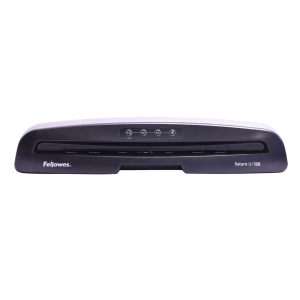
Laminate printed materials. Lamination is priced per page or linear foot, depending on the machine you use.
The Eastside Makerspace offers a large-format laminator that can laminate items up to 24 inches wide. Both Makerspaces and the Northside Digital Studio offer a pouch laminator that can laminate 8.5 x 11-inch or 11 x 17-inch items.

Want to learn or improve your skills in a new language? Ready to switch from the bird of prey with ominous reminders? Try Mango Languages to learn practical conversation skills in over 70 world languages on your computer or mobile device. Learn and practice English with ESL courses taught in more than 15 different languages. You must create an account on the Mango Languages site before you can log into the mobile app.
Languages You Can Learn!
|
|
|
Mango Languages Mobile App
 Delivers fast, easy and effective language learning wherever your travels take you. With free apps from Mango, you can access the same awesome courses when you’re on the go.
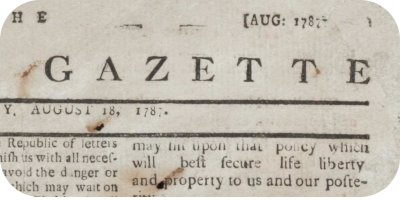
Search, view, and download digitized historical Lexington, KY Newspapers covering the 18th, 19th and 20th centuries.
Amanda Wheeler
Experiential Learning Manager
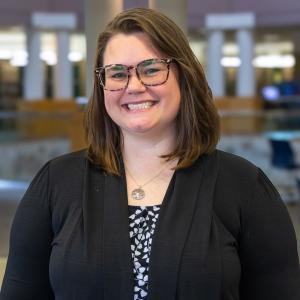
Jennifer talks with local author Kaitlyn Hill about her debut YA novel “Love from Scratch” and her journey in publishing. For Behind the Scenes, Erin talks with Amanda Wheeler and Bryan Klausing about the library’s experiential learning spaces and program
-
Beaumont Branch - Collaborative Learning Space
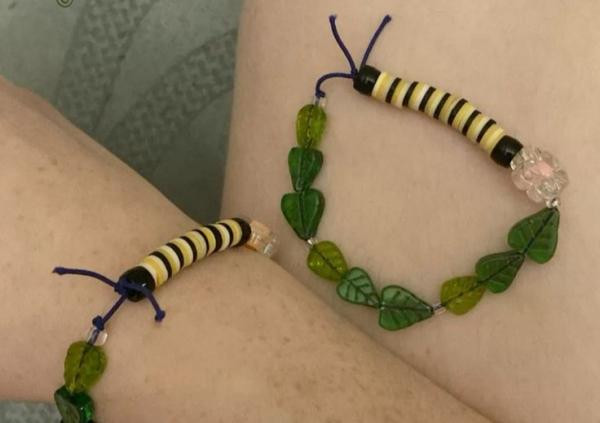
Create a monarch caterpillar bracelet! While supplies last.
-
Beaumont Branch - Collaborative Learning Space
For large groups (10+), please call ahead. Visit lexpublib.org/summer for more Summer at the Library events.
-
Eastside Branch - Children's Program Room
Enjoy books, music, movement, and activities that encourage early learning and promote school readiness. Recommended for ages 3-5.
-
Central Library - Kloiber Foundation STEAM Lab
Participants are welcome to drop-in anytime between 3:30-5:30 pm and stay as little or as long as you would like!
Children 7 and under must be accompanied by a responsible caregiver.
If you are planning on bringing a large group (10+ people) please contact our Experiential Learning Associate for accommodations. (859) 231-5500 ext. 1147